买服务器上雨云
 由超大带宽雨云提供赞助
Important Reminder
copyright protection, we do not advocate piracy!Name description:
zyfun[new name >=3.3.8]zyplayer[old name <=3.3.7].
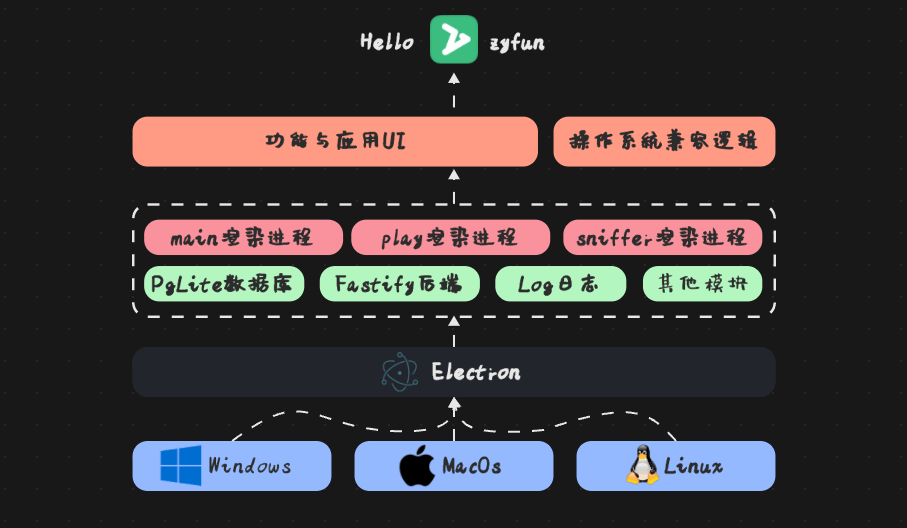
zyfun is a free, minimalist, all-in-one cross-platform audio/video manager, one-stop management of all types of T1-T4 resources, built-in multi-core player switching at will. Exclusive boss key, one key invisibility to touch the fish without worry. Discover the world with movie watching!
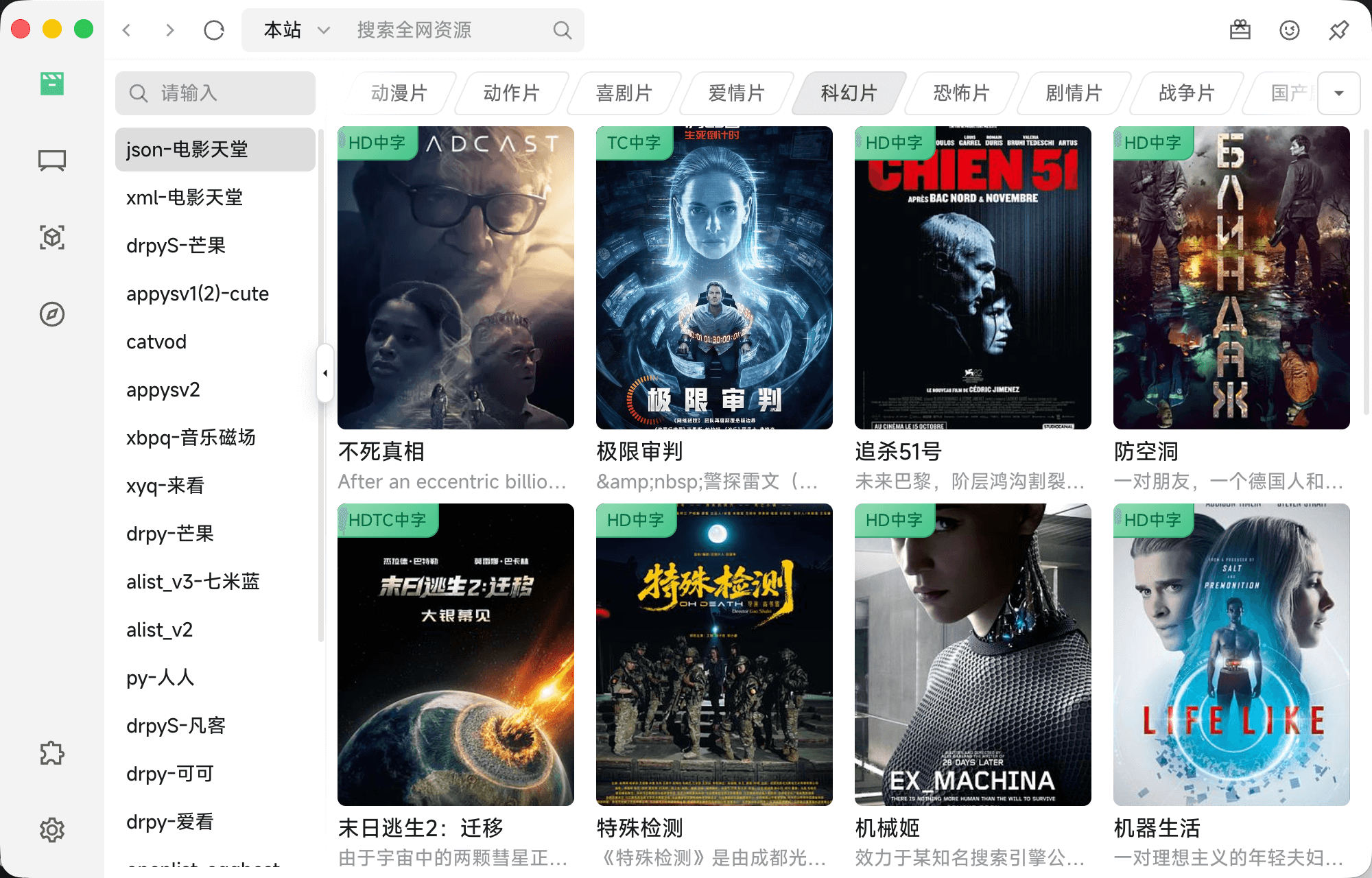
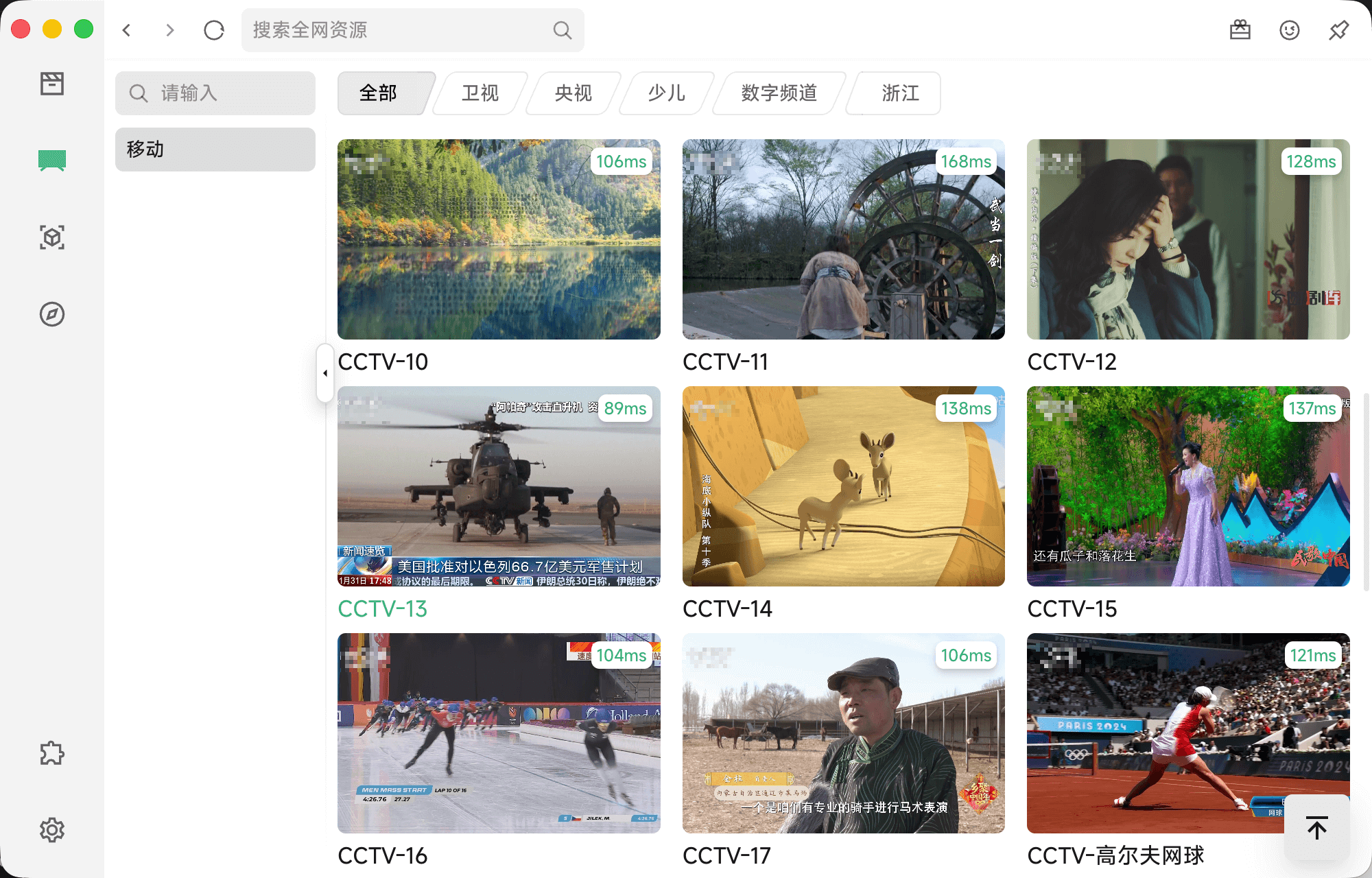
| Film | Live |
|---|---|
 |  |
| History | Play |
 | 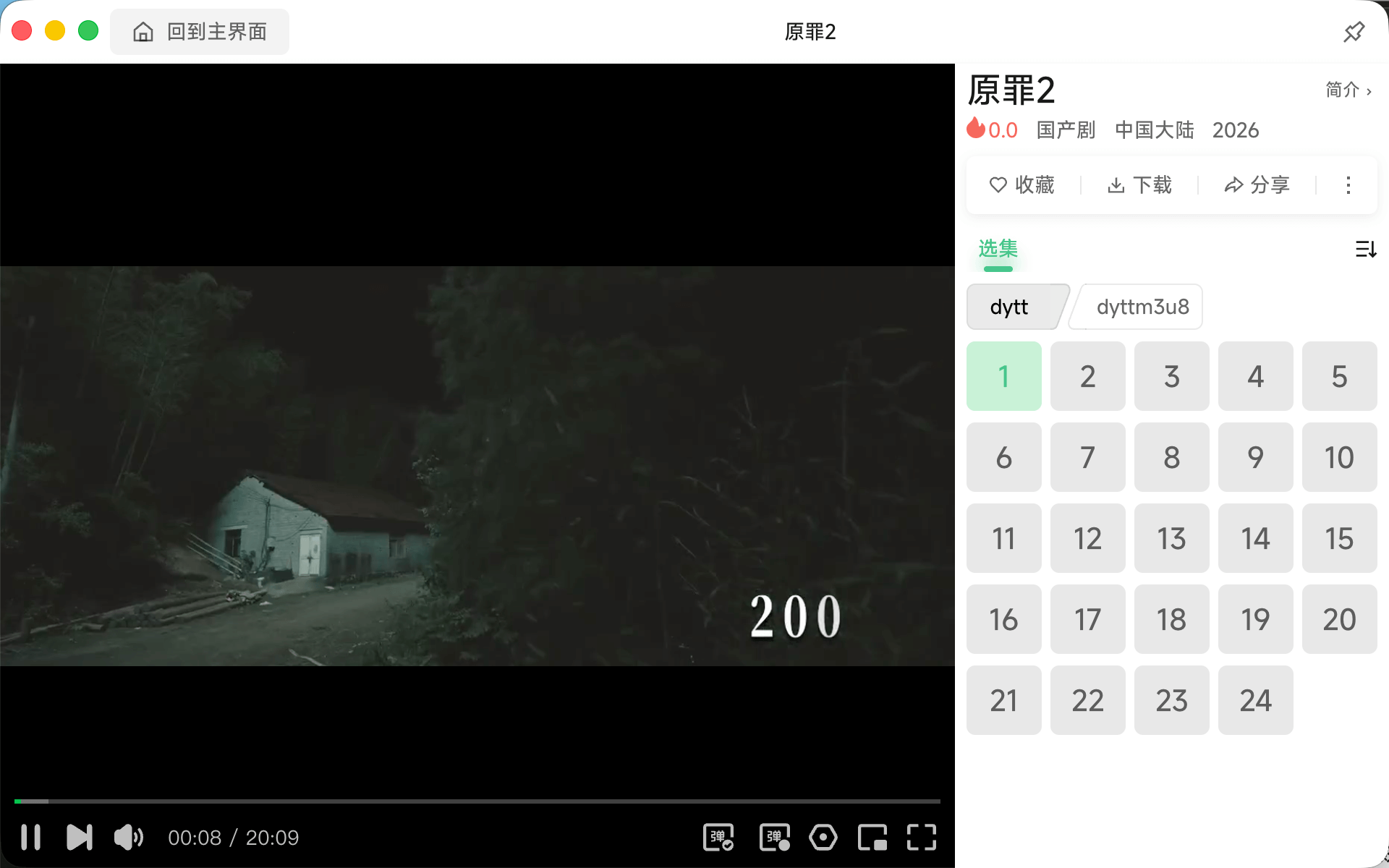 |
The following are physical + virtual machine tests (with x86+arm)
China's own R&D system involves
UOS (deepin)AnolisKylinopenEulerSuperRed
| OS | Operating system (version) [chip architecture] |
|---|---|
| windows | win10[arm] win11[arm|x86_64] |
| mac | Sequoia(15.1)[m1-pro] |
| linux | Ubuntu 20.04 LTS[arm] Anolis OS8.9[arm] UOS v20(1070)[arm] Kali(2022.1)[arm] Cinnamon 5.6.8[x86_64] Kylin SP1(2403)[arm] openEuler-24.03-LTS[arm] + UKUI ElementaryOS 8[x86_64] Mint 22[x86_64] SuperRed 32[x86_64] |
| chromos | FydeOS 19[x86_64] |
| Ubuntu 20.04 LTS[arm] | Anolis OS8.9[arm] |
|---|---|
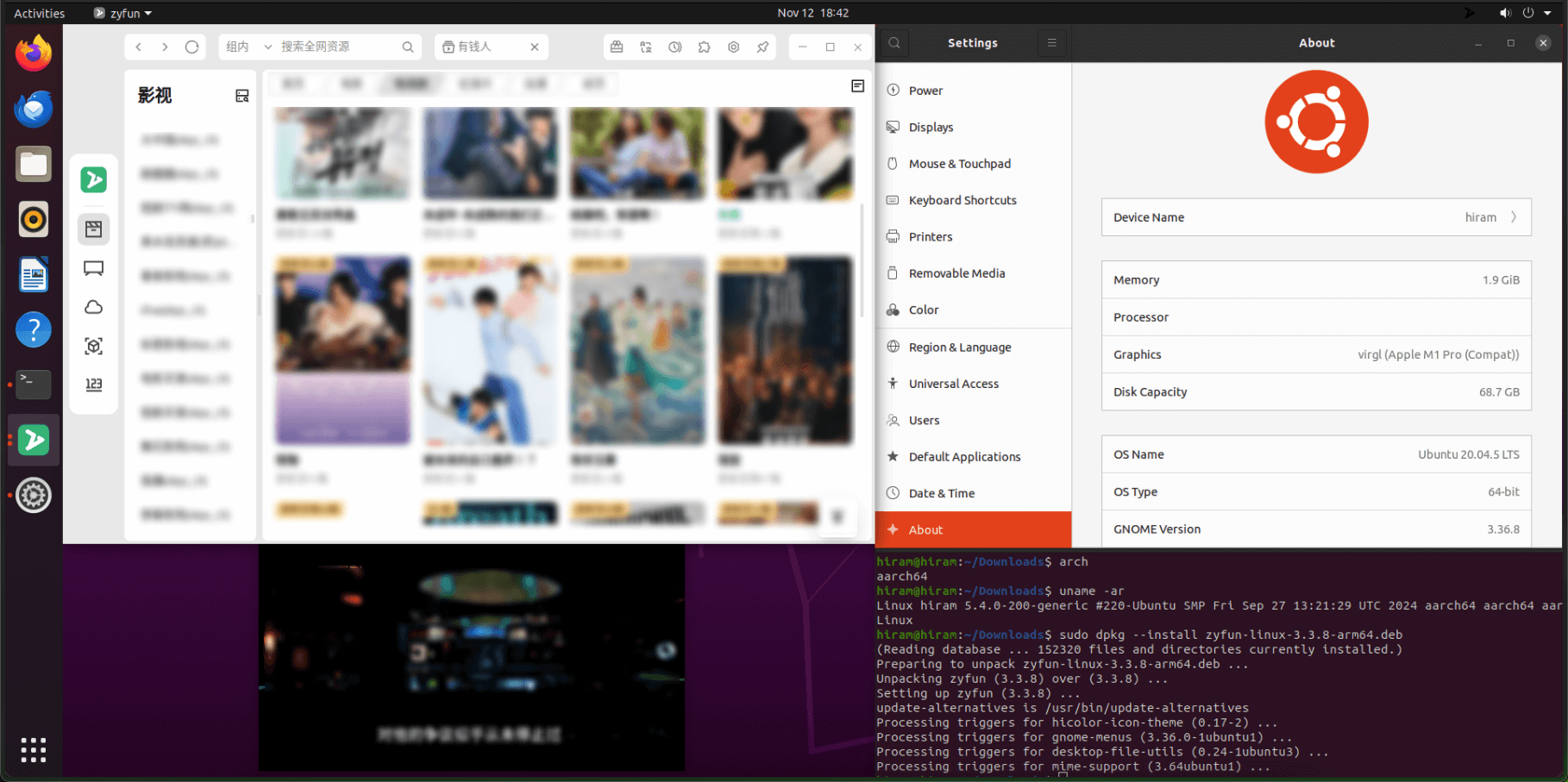 | 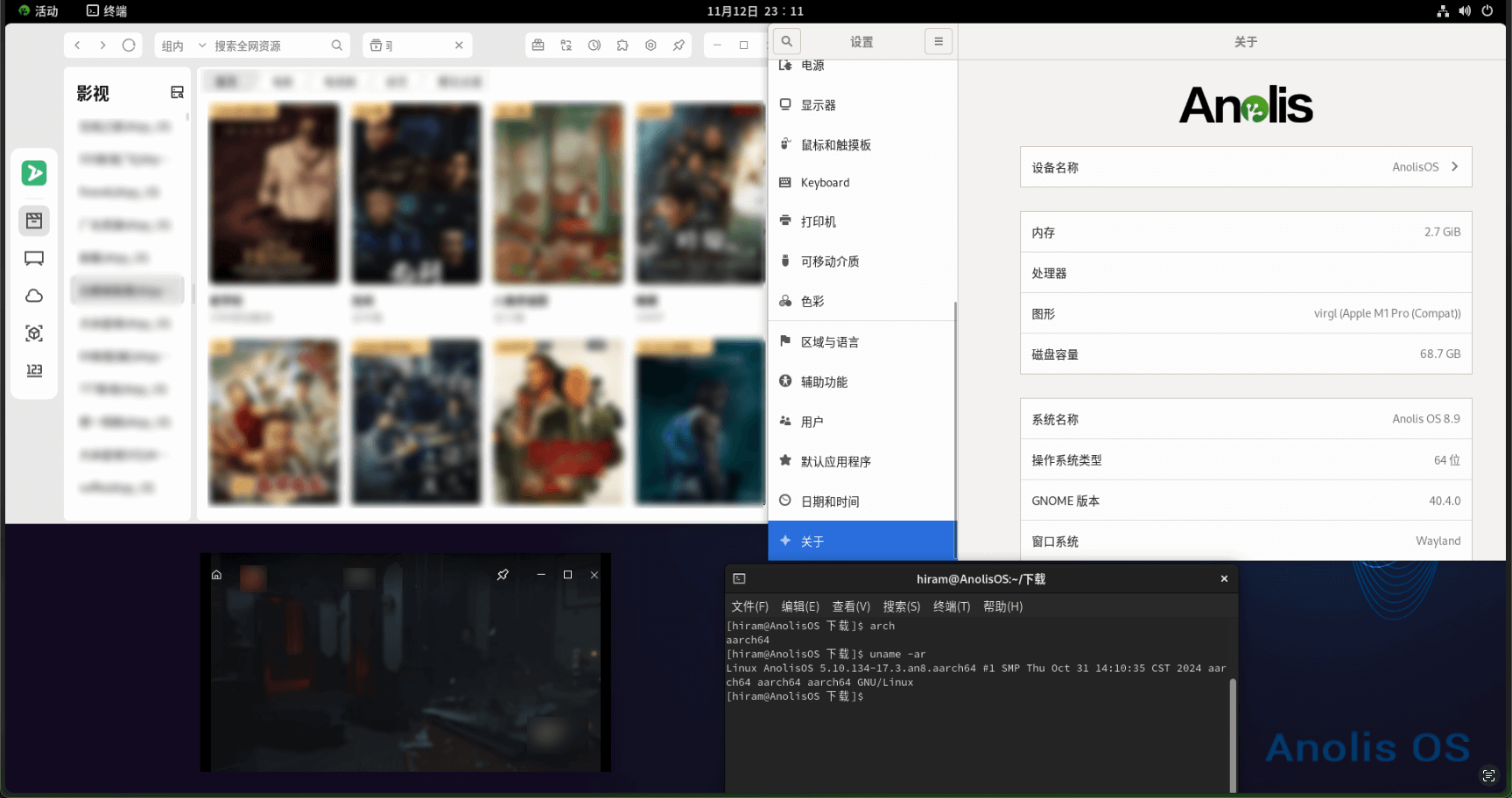 |
| UOS v20(1070)[arm] | Kali[arm] |
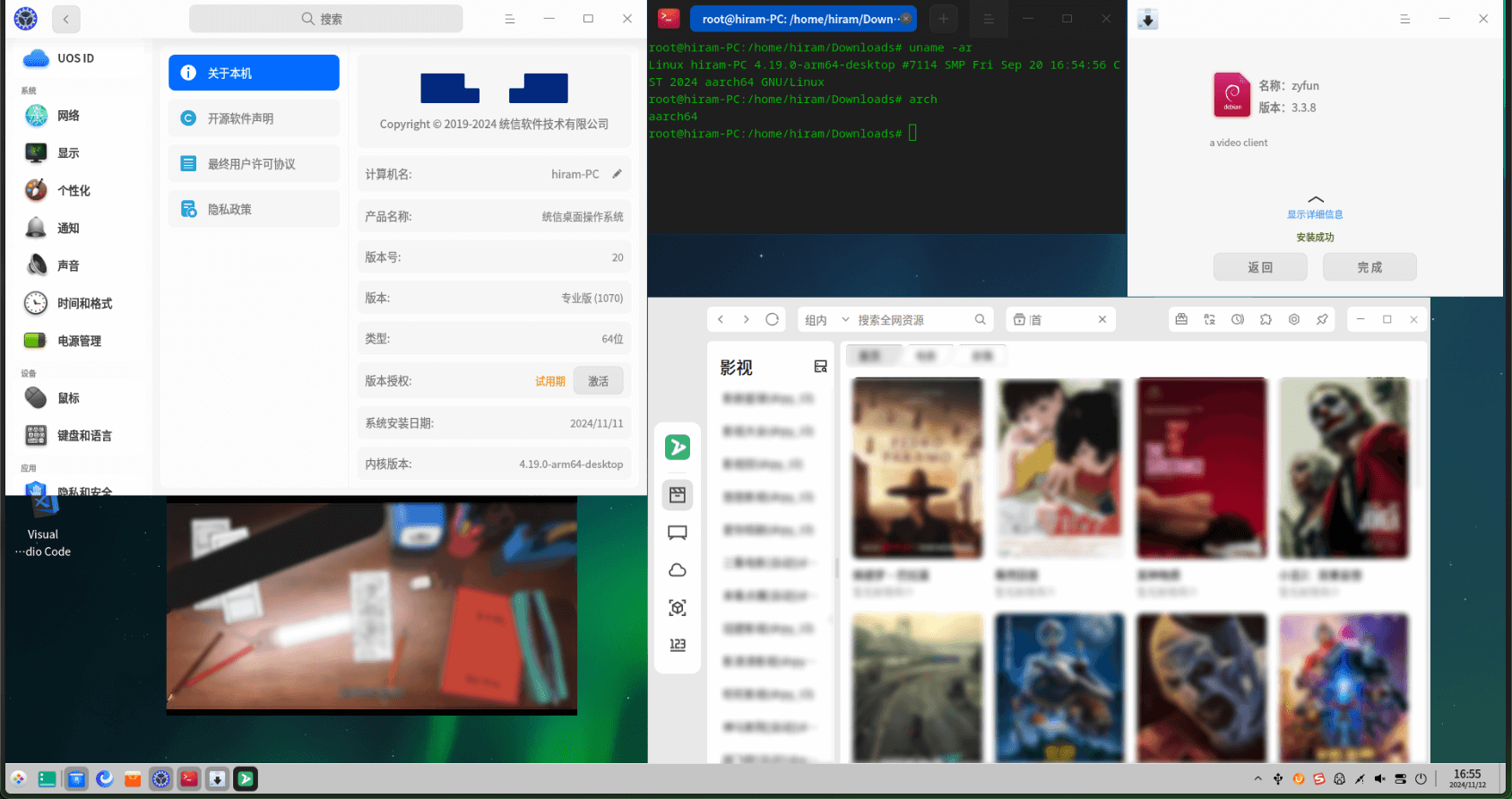 | 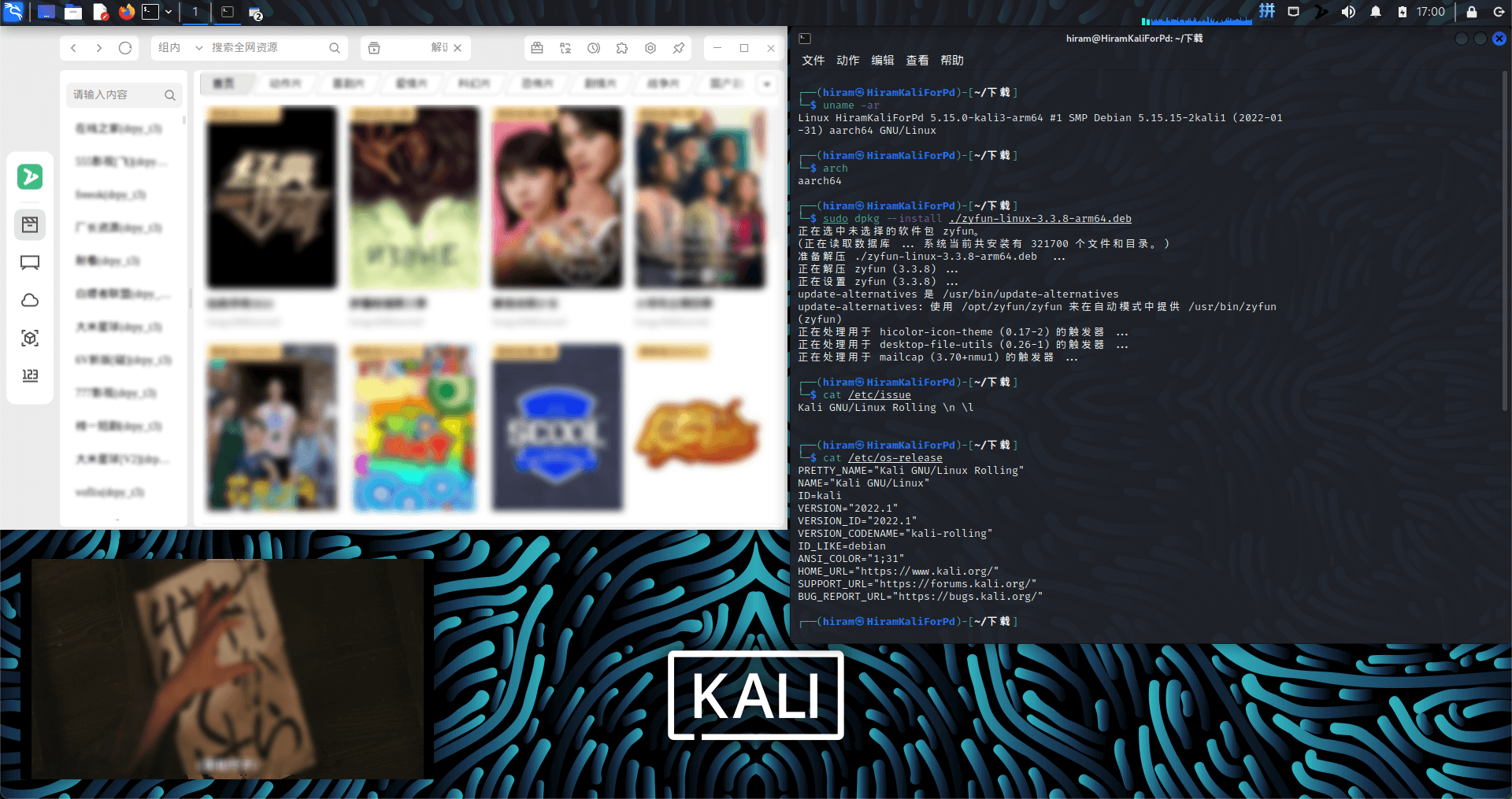 |
| Kylin SP1(2403)[arm] | openEuler-24.03-LTS[arm] |
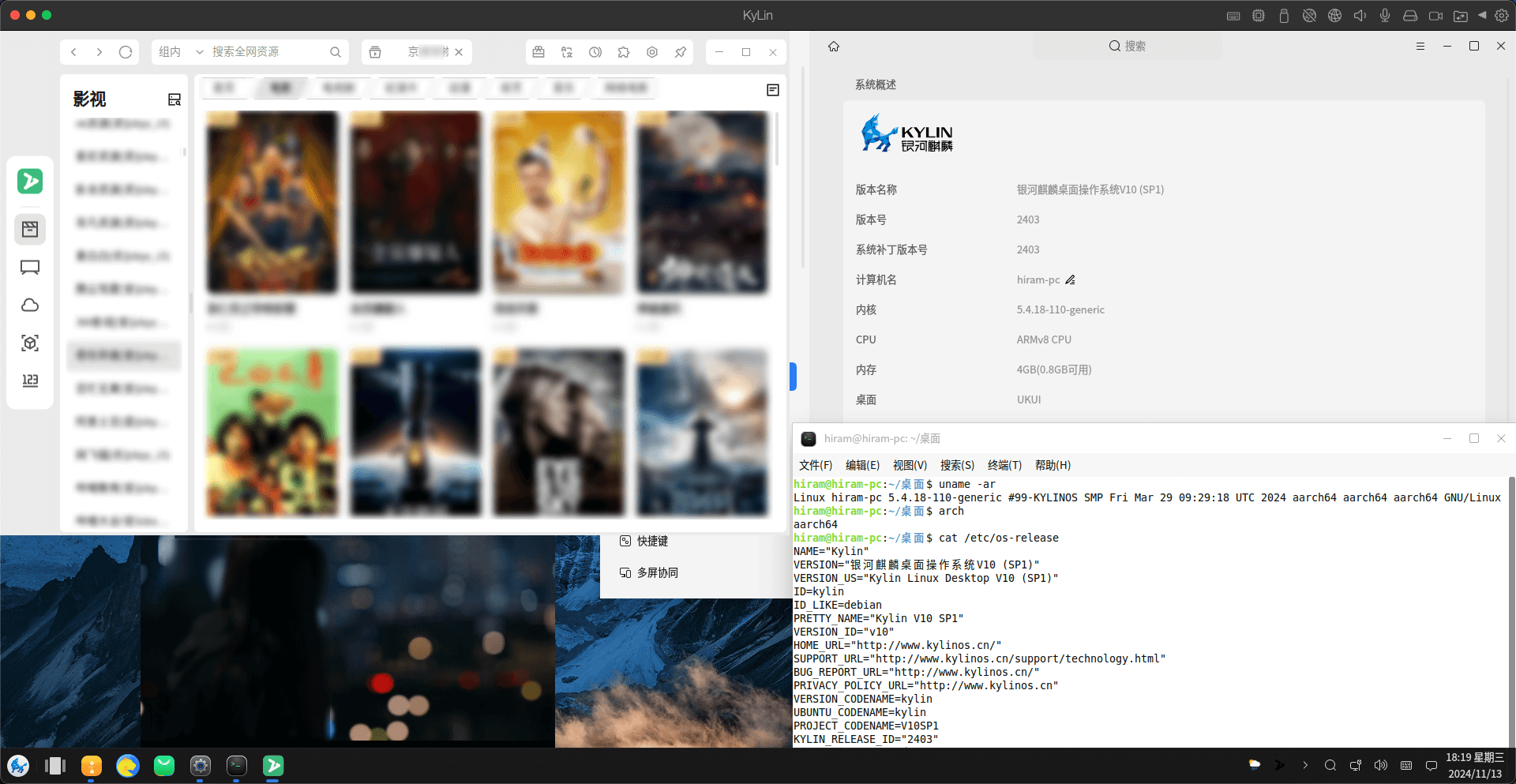 | 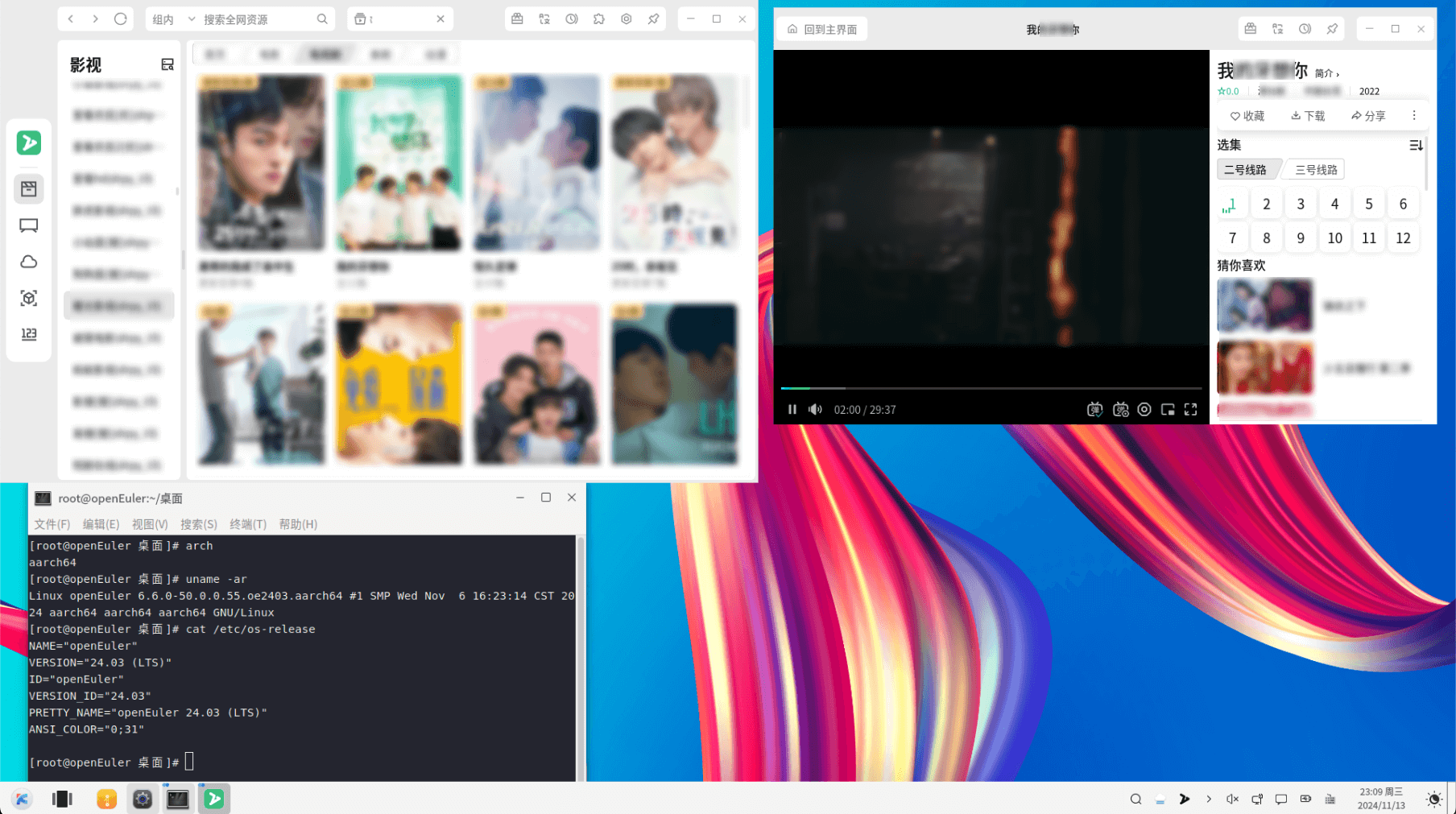 |
| ElementaryOS 8[x86_64] | Mint 22[x86_64] |
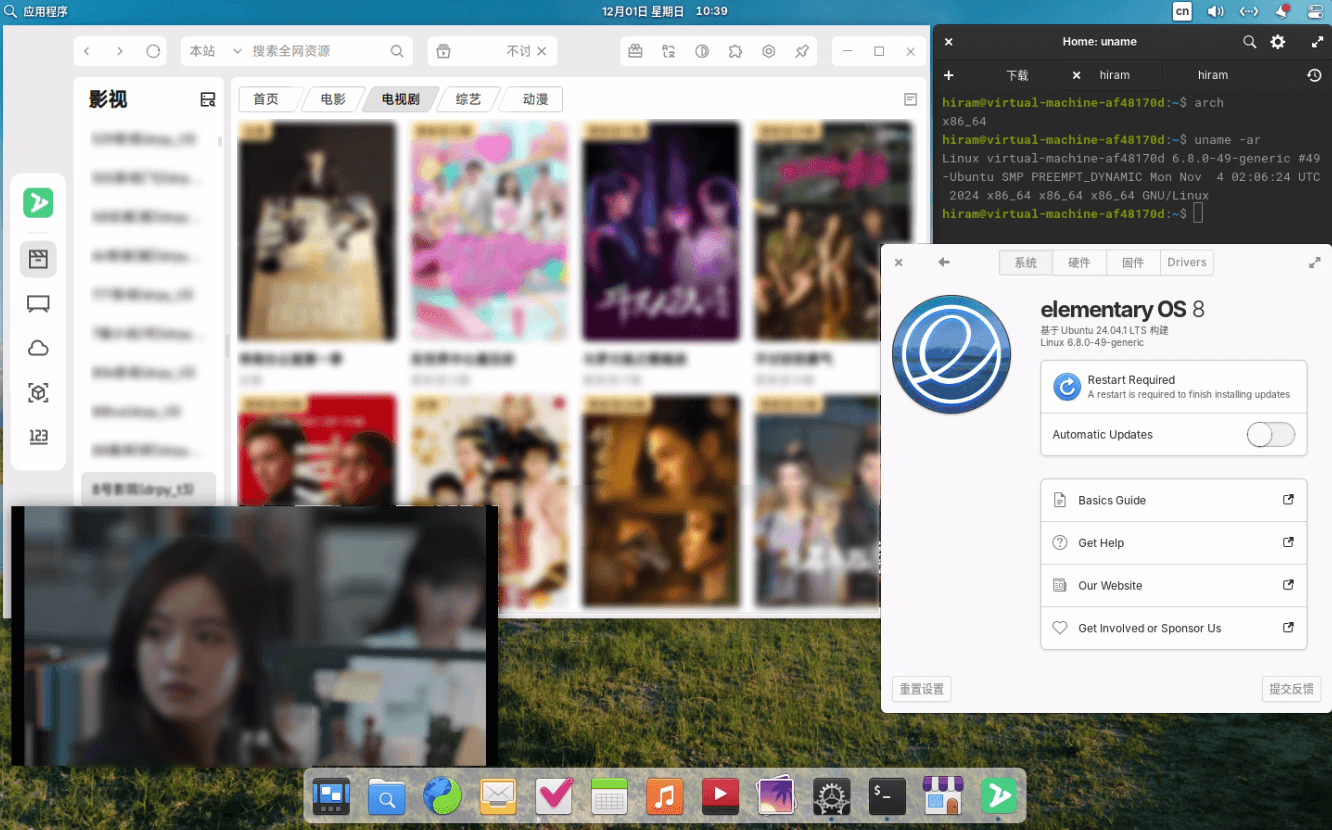 | 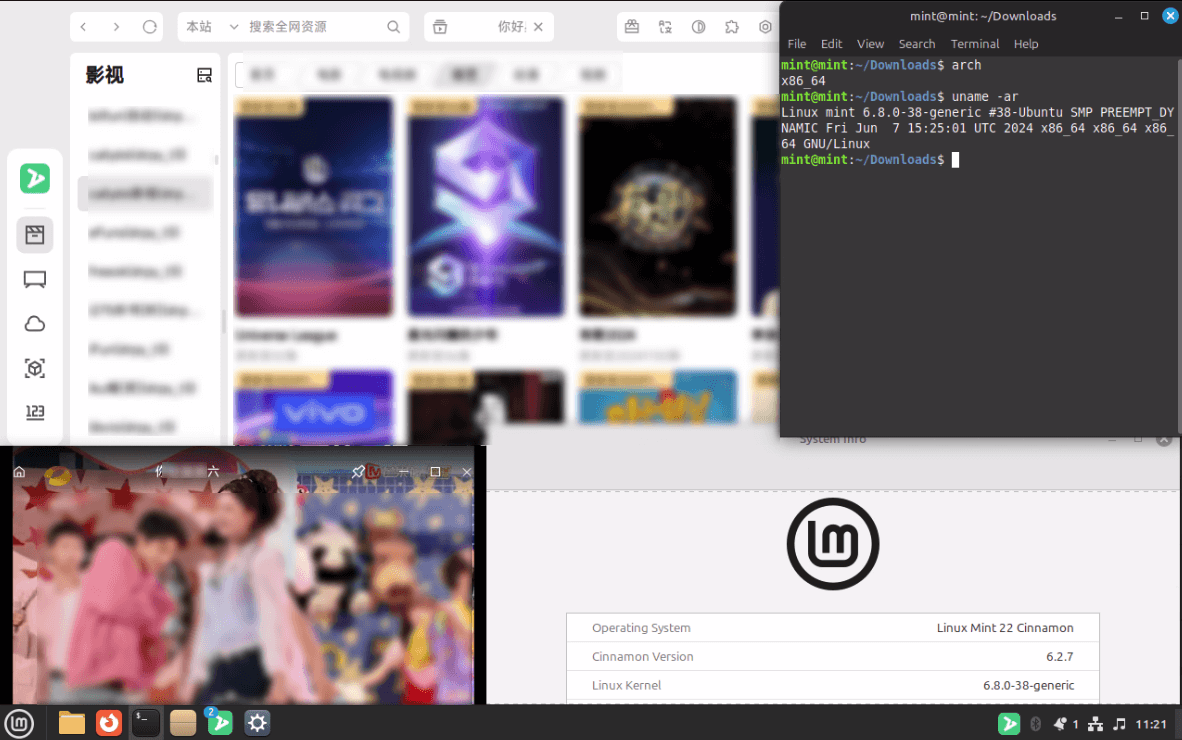 |
| SuperRed 32[x86_64] | FydeOS 19[x86_64] |
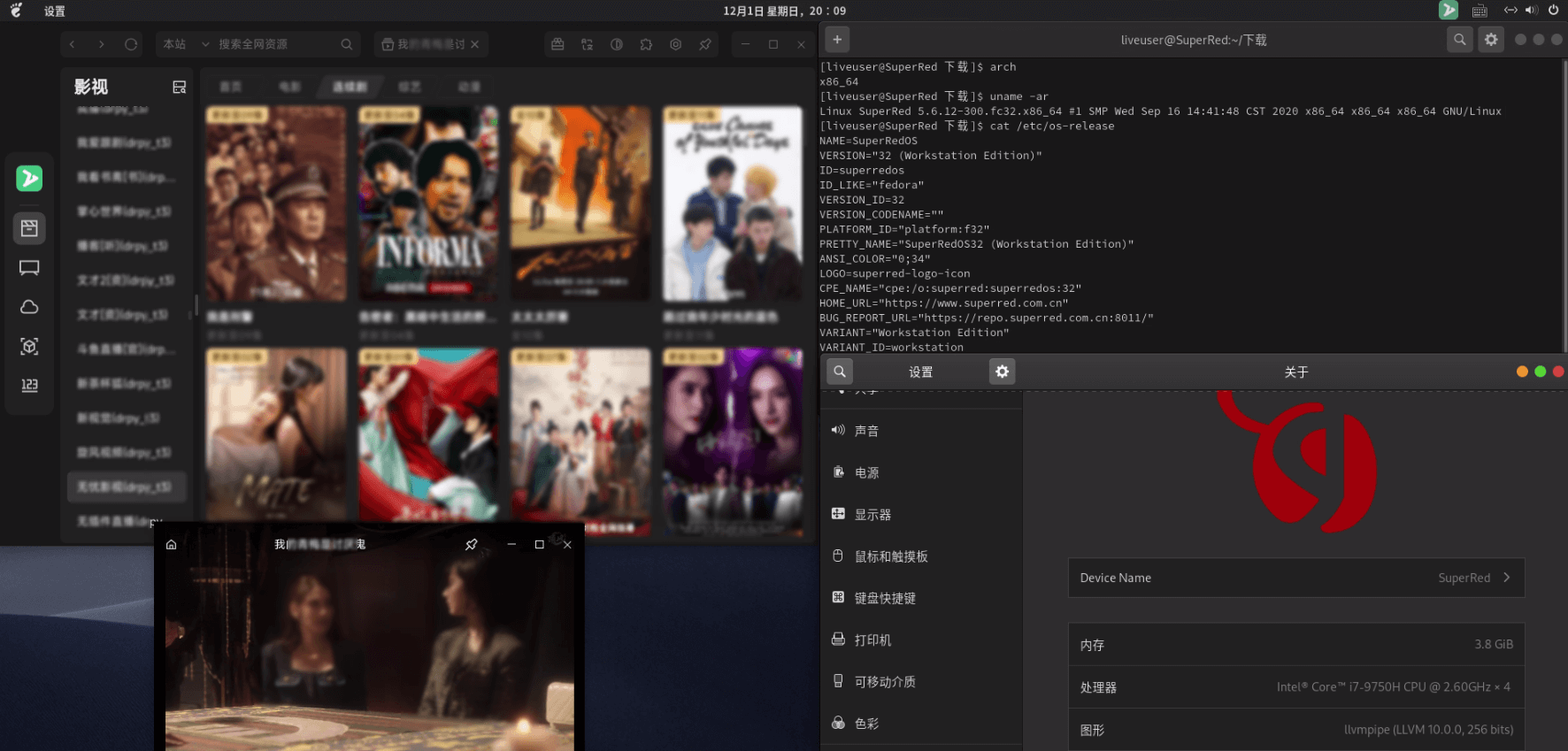 | 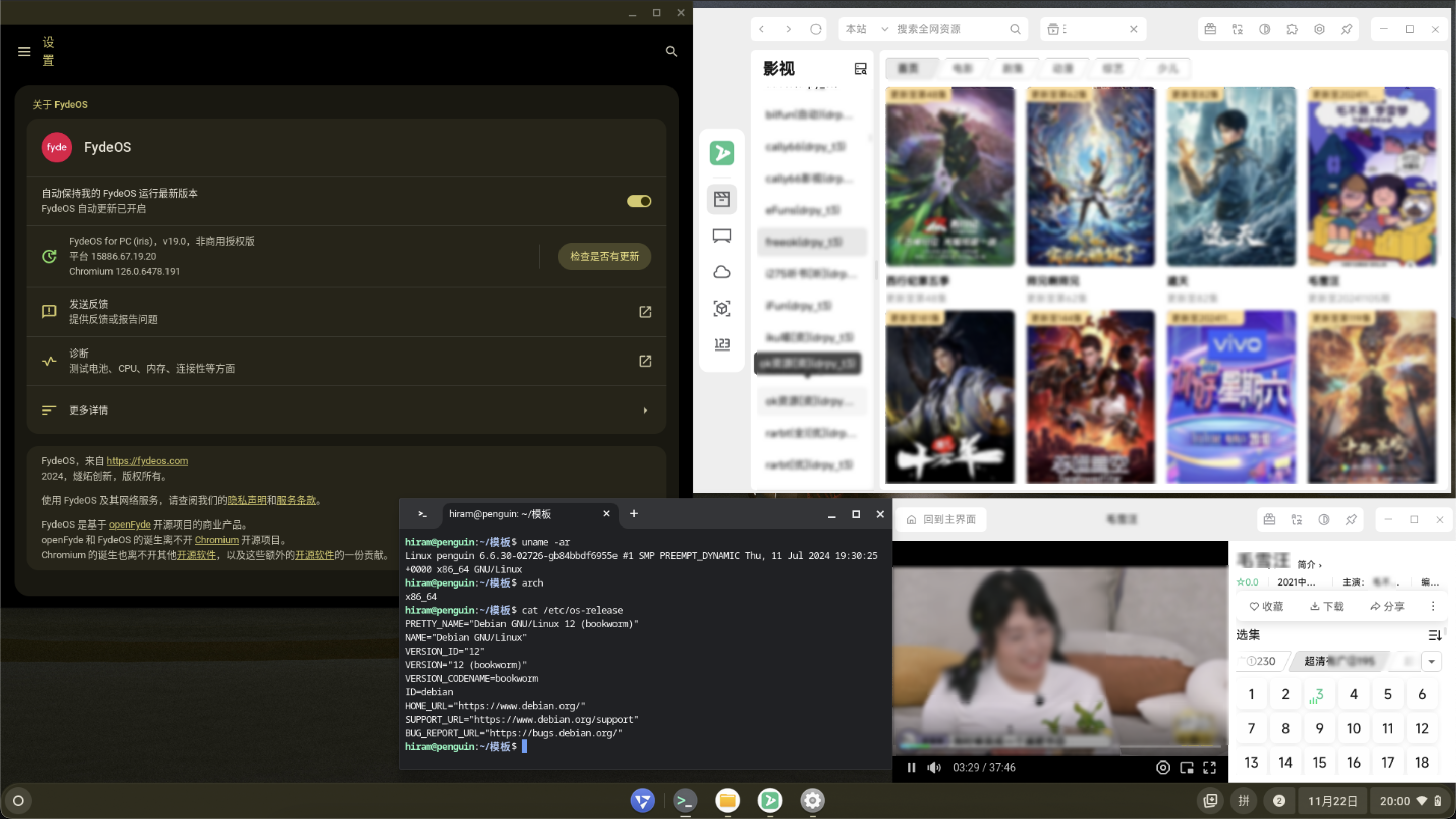 |
Developer download: Github login required
Minimum Requirements: Aligned with chromium kernel requirements.
| OS | X64 | Arm64 | Loong64 | Release | Development | Minimum requirements |
|---|---|---|---|---|---|---|
| Windows | ✅ | ✅ | ➖ | GitHub | GitHub | >= win10 |
| MacOS | ✅ | ✅ | ➖ | GitHub | GitHub | >= macOS12 |
| Linux | ✅ | ✅ | ❌ | GitHub LINYAPS AUR | GitHub | |
| Harmony | ❌ | ❌ | ➖ |
sudo spctl --master-disable
sudo xattr -cr /Applications/zyfun.appRunning as root without --no-sandbox is not supported
./zyfun.AppImage --no-sandboxdlopen():error loading libfuse.so.2
sudo apt-get install libfuse2Exiting GPU process due to errors during initialization
xhost +Package libnss3-1d is not installed
sudo apt-get install libnss3-1dPackage libxss1 is not installed
sudo apt-get install libxss1Dependency check failed libXScrnSaver is needed
sudo yum install epel-release
sudo yum install libXScrnSaver
Dependency check failed xdg-utils is needed
sudo yum install xdg-utils~/Library/Application Support/zyfun/~/.zy/bin/~/.config/zyfun/~/.zy/bin/%USERPROFILE%\AppData\Roaming\zyfun\%USERPROFILE%\.zy\bin\Refer to the default path
Replace
{custom_path}with your desired path;--user-data-dirpreceded by a space
appname=zyfun
cd "/Applications/$appname.app/Contents/MacOS/"
sudo mv "$appname" $appname.real
sudo printf '#!/bin/bash\ncd "/Applications/%s.app/Contents/MacOS"\n"/Applications/%s.app/Contents/MacOS/%s.real" --user-data-dir="{custom_path}"' "$appname" "$appname" "$appname" > $appname
sudo chmod +x $appname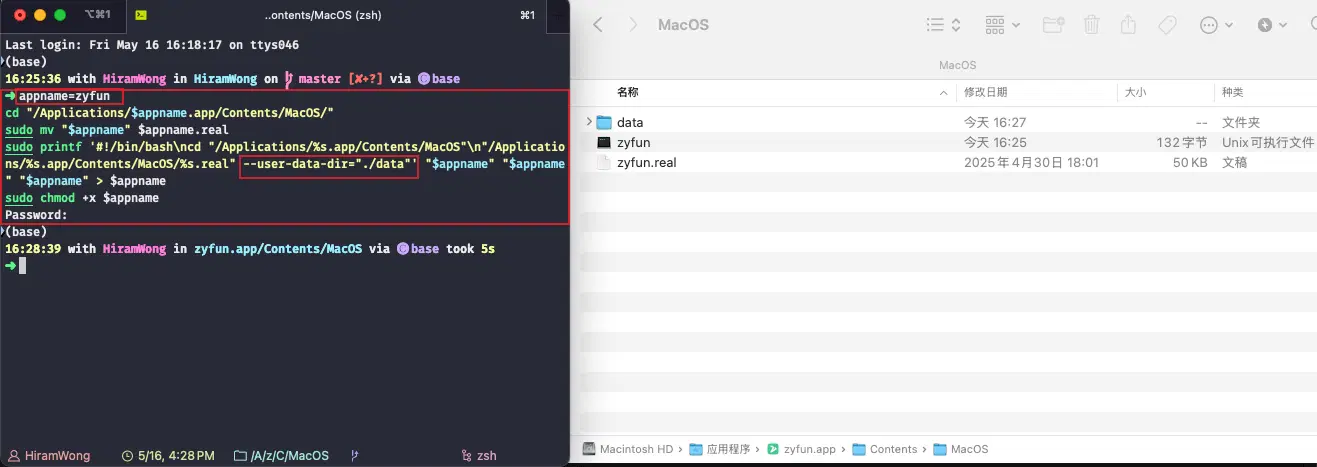
./zyfun.AppImage --user-data-dir={custom_path}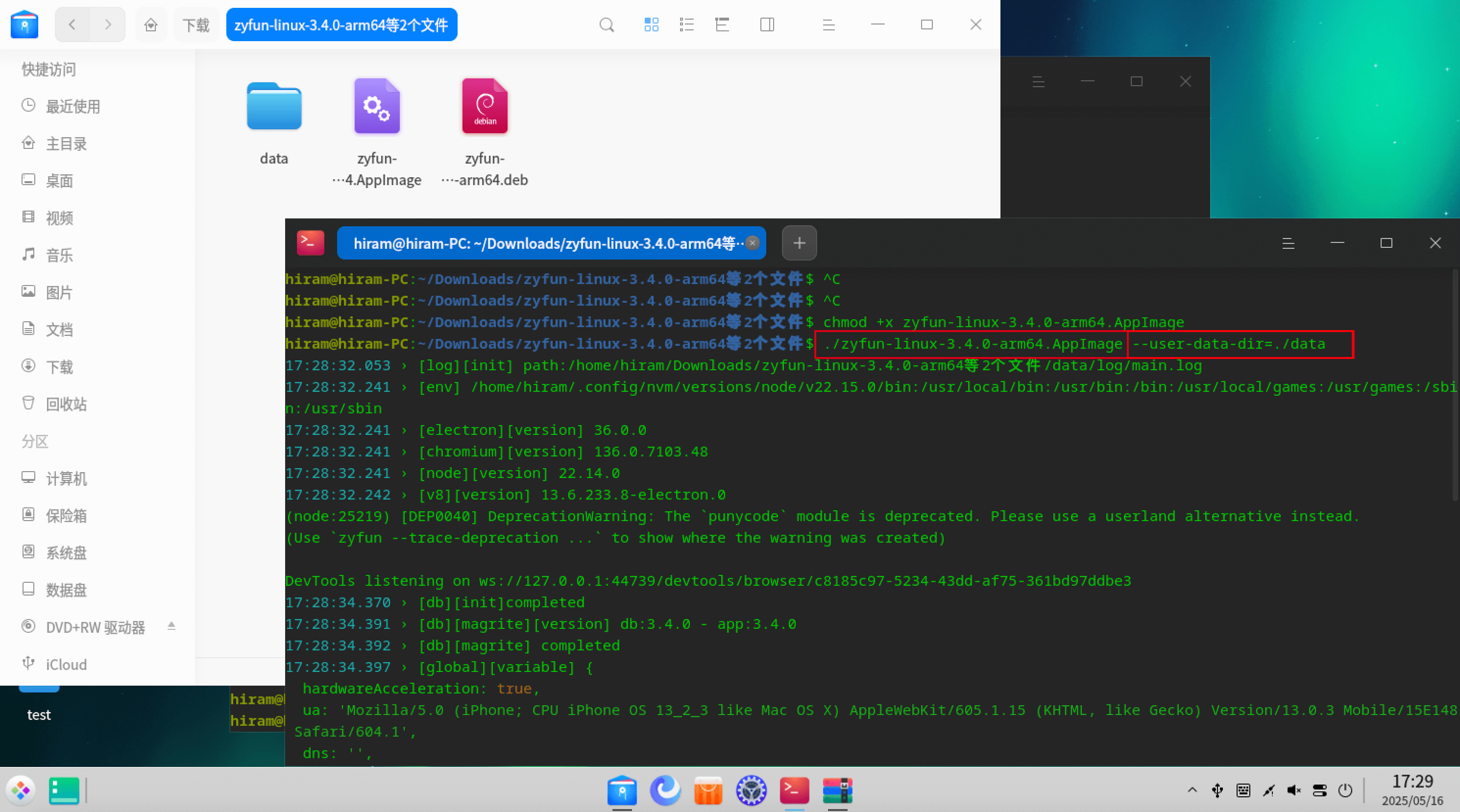
No program found
Right click Properties->Target->Add at the end --user-data-dir="{custom_path}"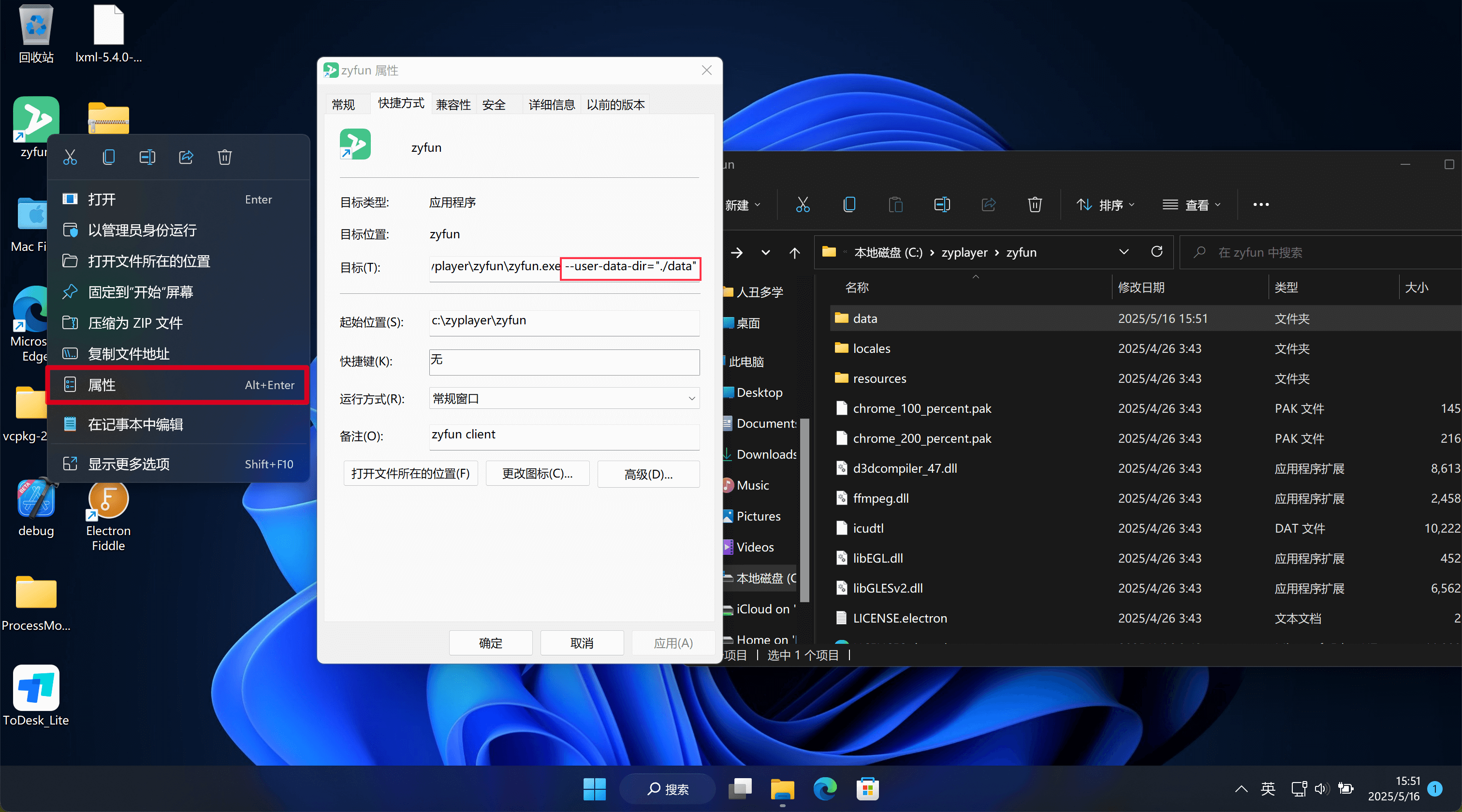
ZY-Player by @Hunlongyu. xml is supported as data sourceZyPlayer developed by @Hiram-Wong@fourbeauty[t0]xml [t1]json supported by @Hiram-Wong[t3]drpy t4[drpyS] [t3]py supported by @hjdhnx[t3]csp_xbpq [t3]csp_xyq [t3]csp_appysv2 supported by @LoyDgIk @α[t4]catvod [t3]catopen supported by @catvodxgplayer artplayer oplayernplayerdplayer<=3.3.7 All functions based on the front-end (including webworker), data for the json file>3.3.7 & <=3.4.1 Front-end and back-end separation (with fork threads), Data is pglite database>3.4.1 Data is sqlite database