买服务器上雨云
 由超大带宽雨云提供赞助
重要提醒
正版版权, 我们不提倡盗版!详读并同意用户协议, 确保遵守相关规定!名称说明:
zyfun[新名称 >=3.3.8]zyplayer[老名称 <=3.3.7]
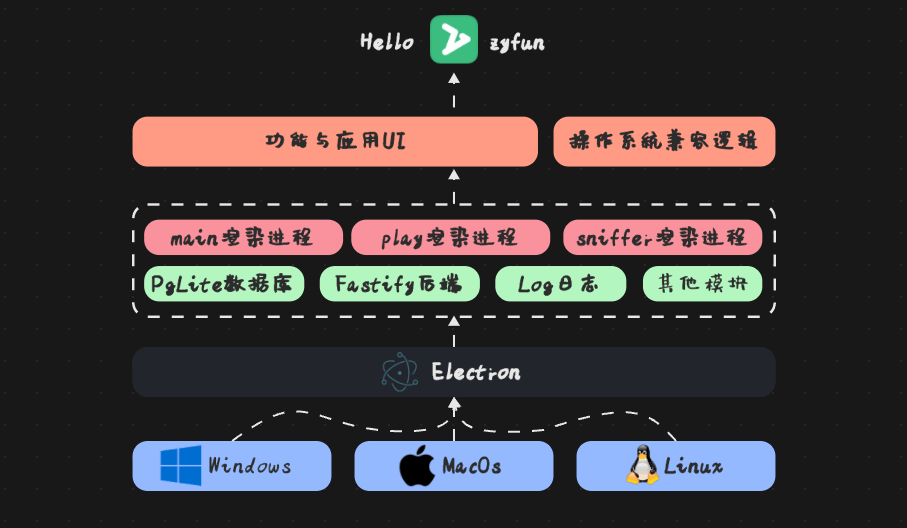
zyfun是一款免费、极简、全能的跨平台影音管家,一站式管理 T1-T4 全类型资源,内置多核播放器随心切换。独家老板键,一键隐身摸鱼无忧。用观影发现世界!
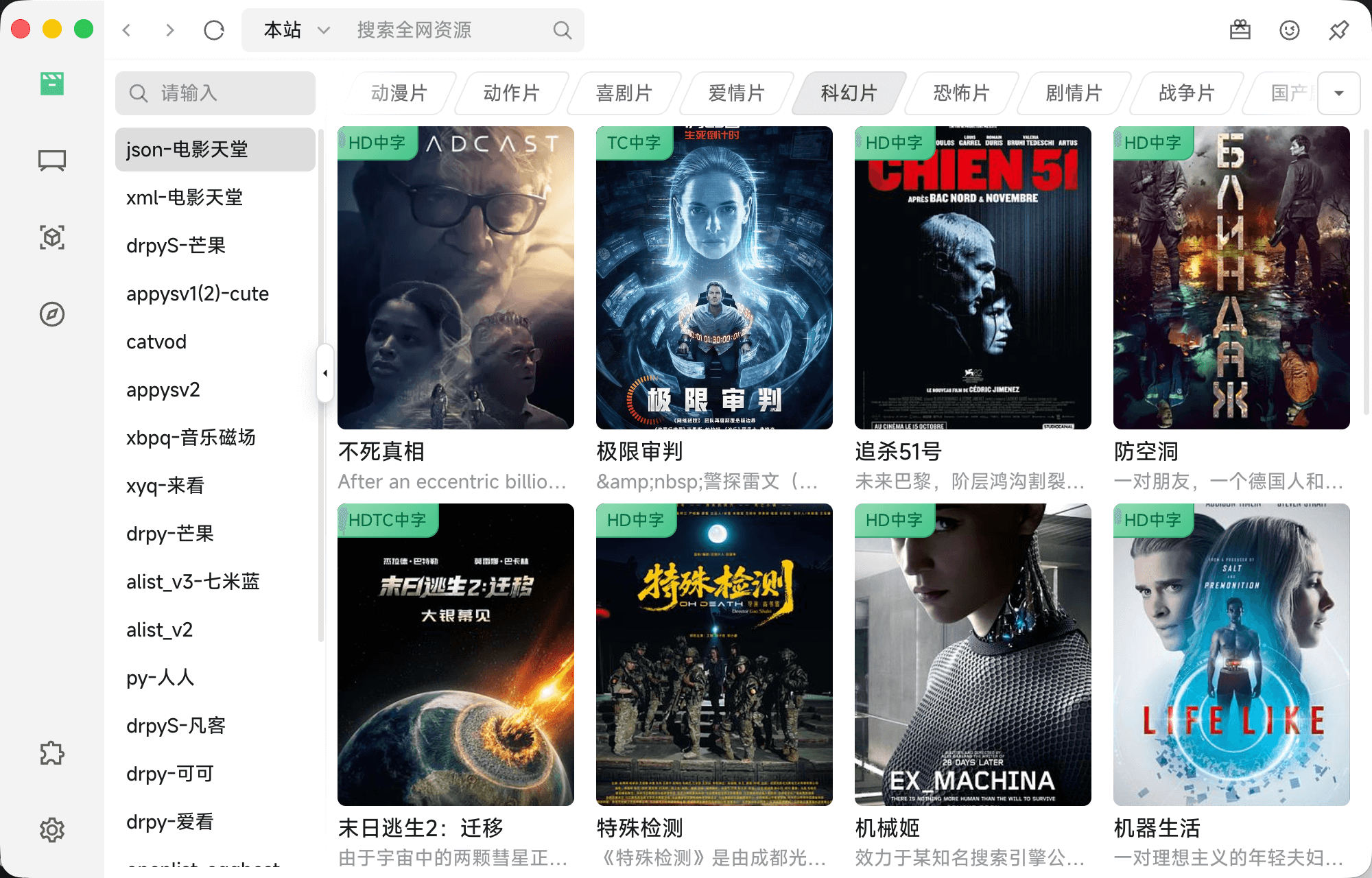
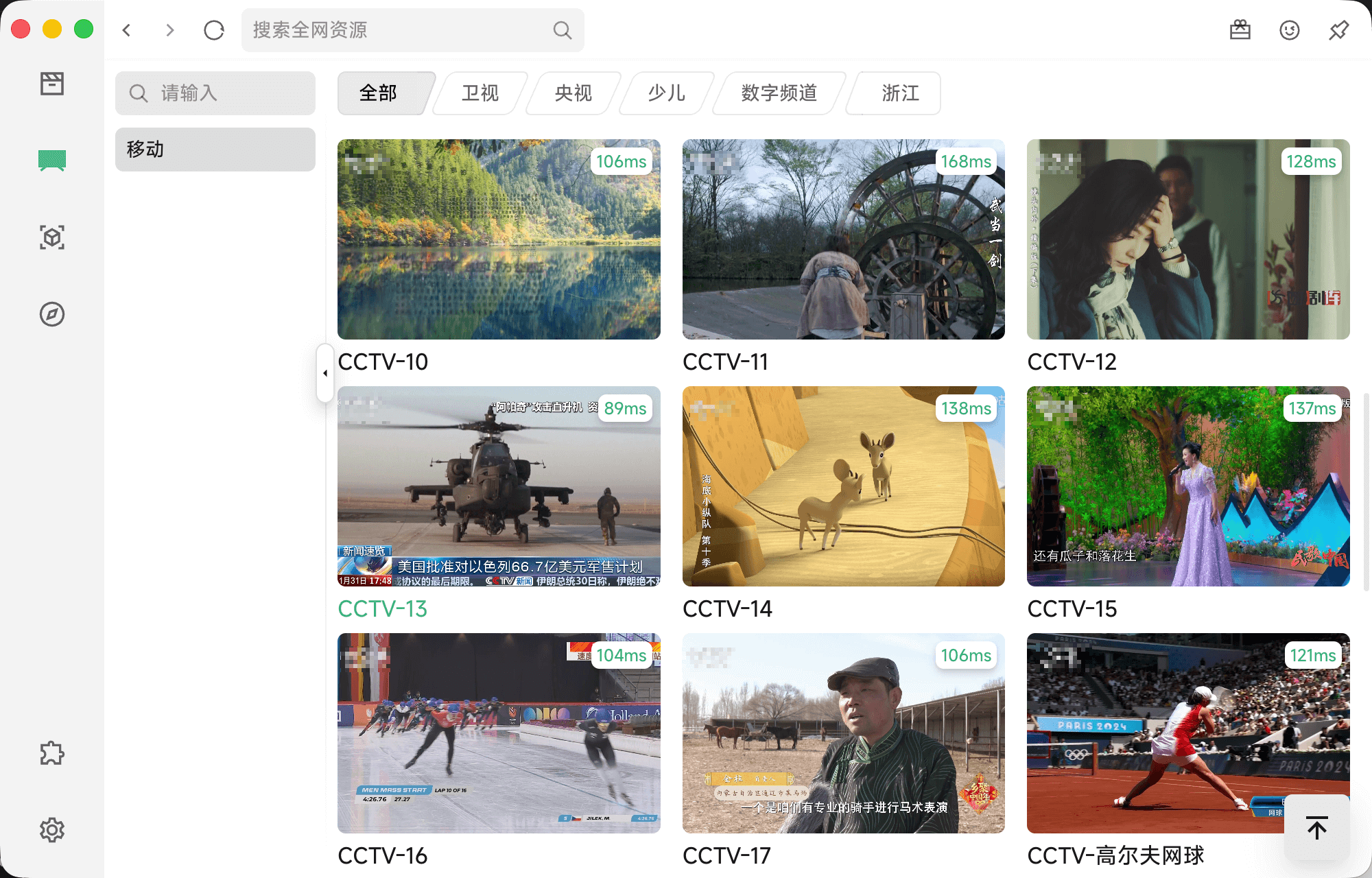
| 影视 | 直播 |
|---|---|
 |  |
| 历史 | 播放 |
 | 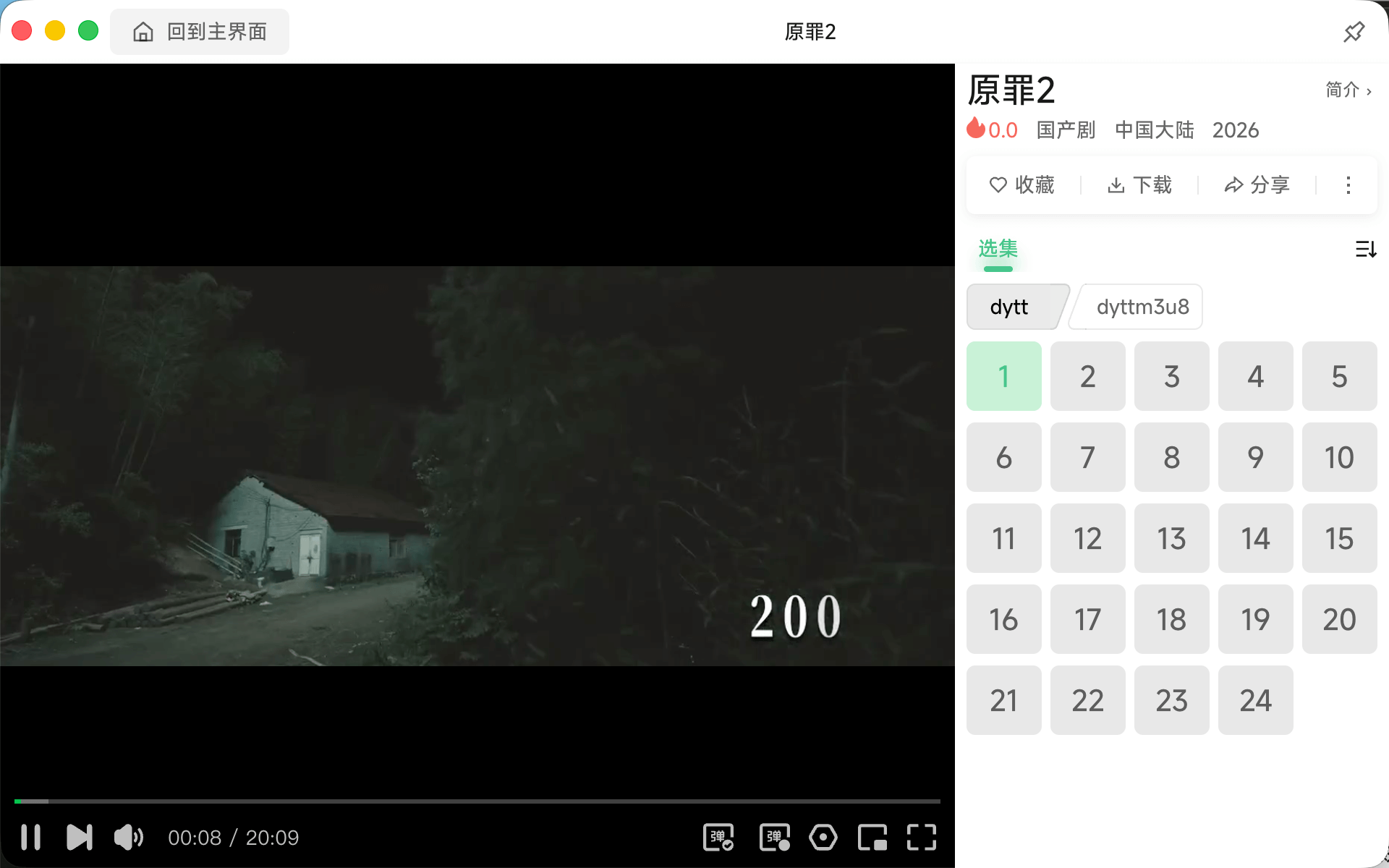 |
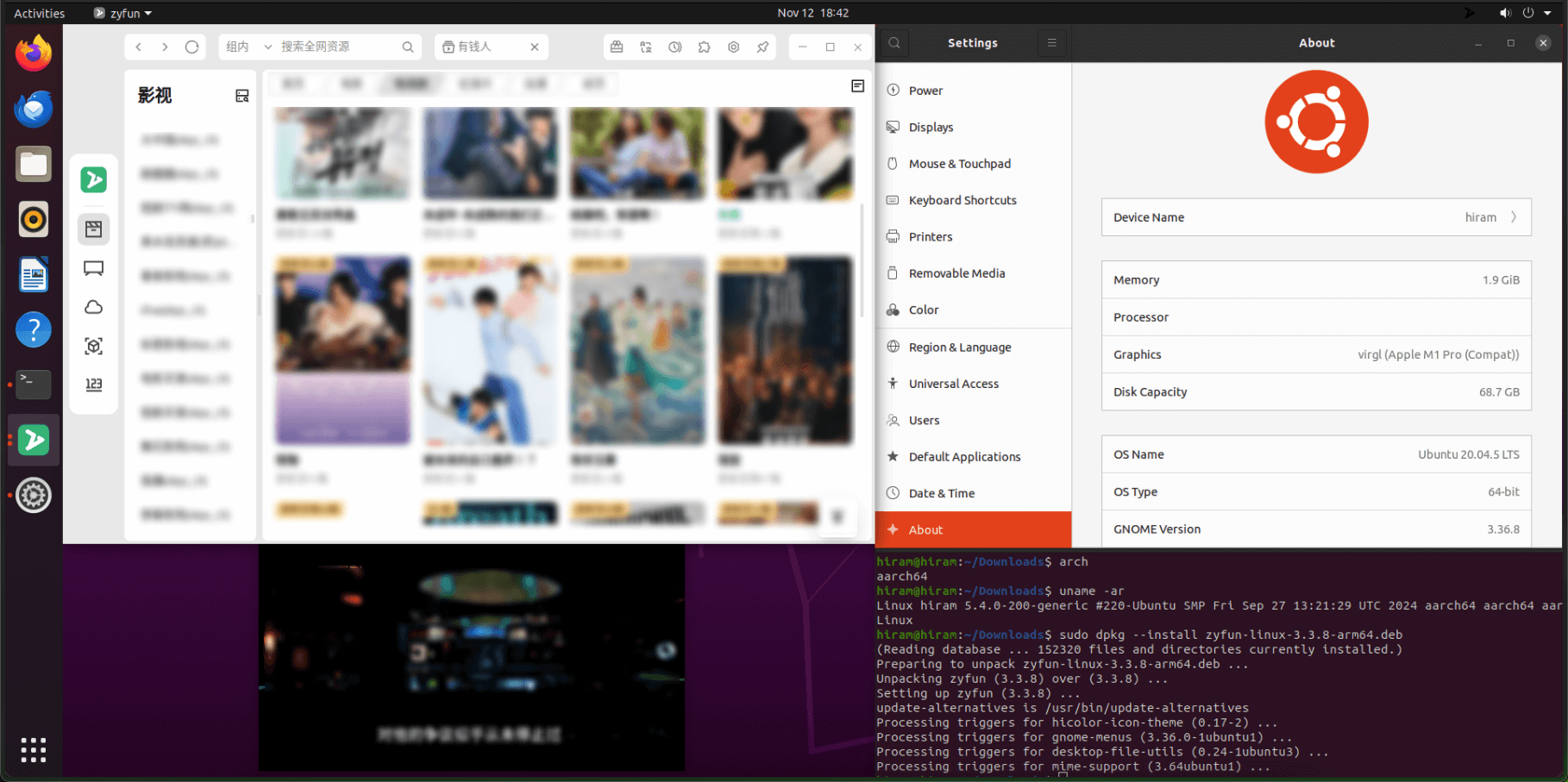
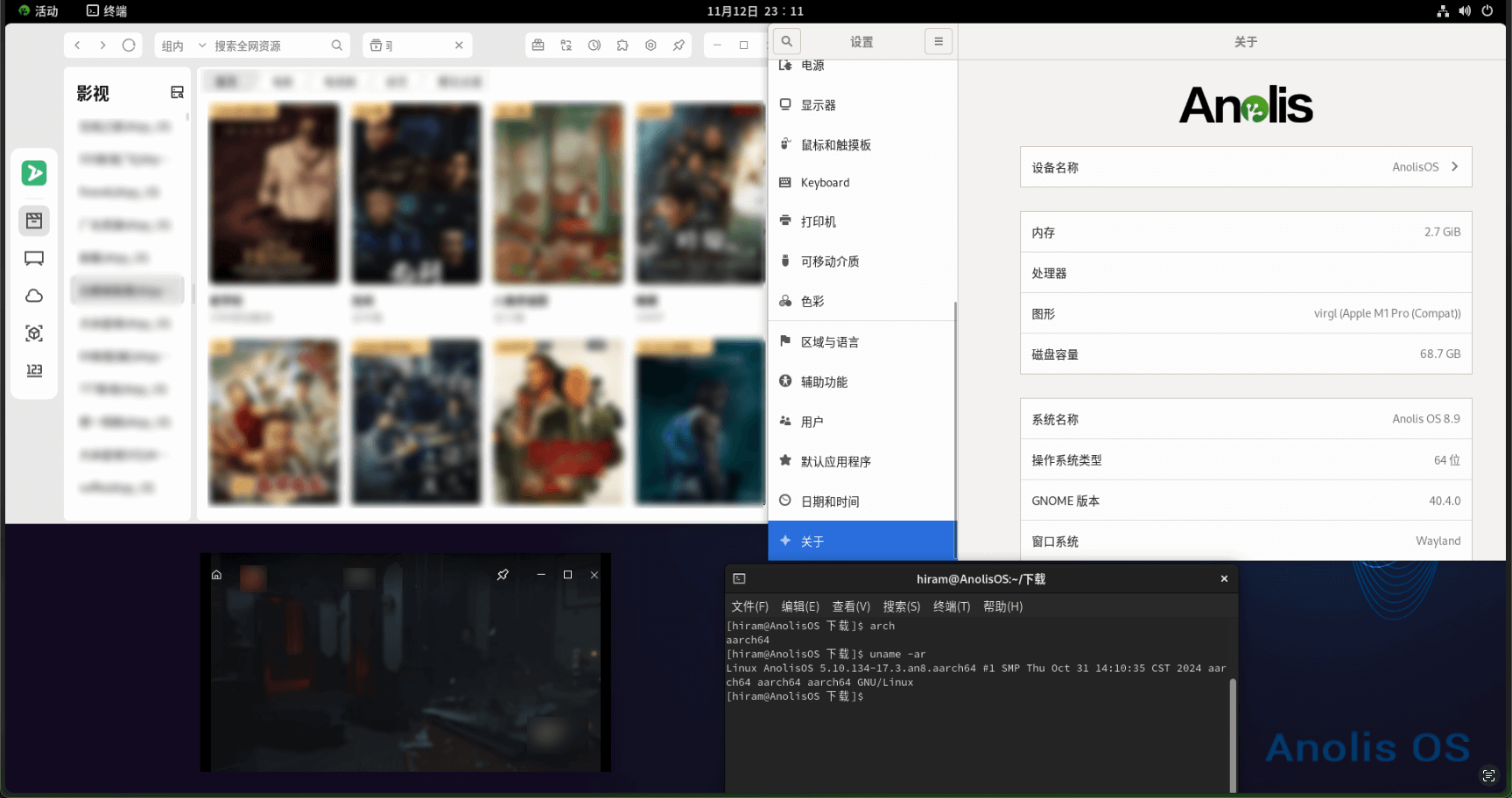
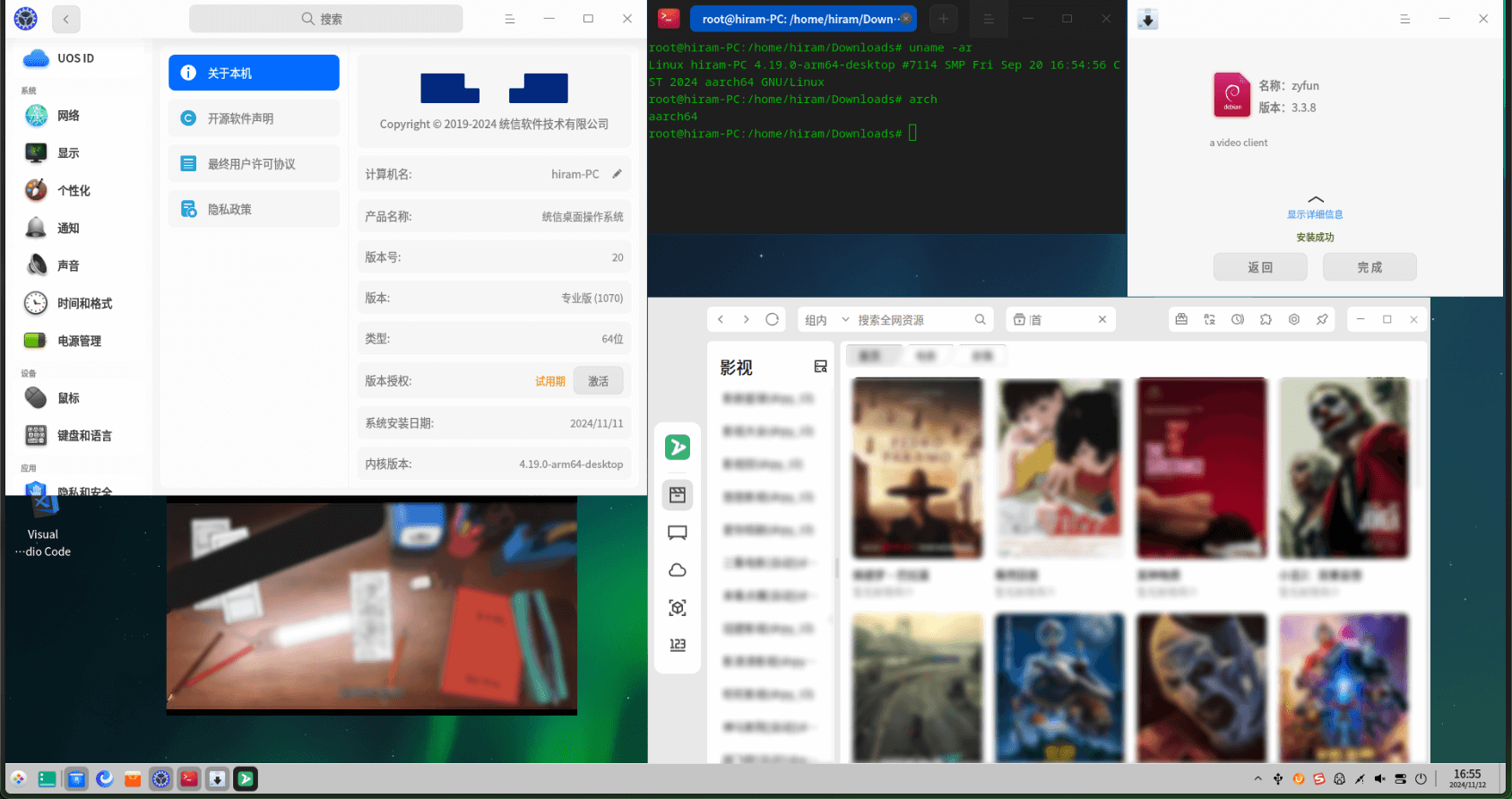
如下为物理机+虚拟机测试(含x86+arm)
国产系统涉及
UOS(deepin)Anolis(阿里龙蜥)Kylin(中标麒麟)openEuler(华为欧拉)SuperRed(万里红)
| 测试平台 | 操作系统(版本)[芯片架构] |
|---|---|
| windows | win10[arm] win11[arm|x86_64] |
| mac | Sequoia(15.1)[m1-pro] |
| linux | Ubuntu 20.04 LTS[arm] Anolis OS8.9[arm] UOS v20(1070)[arm] Kali(2022.1)[arm] Cinnamon 5.6.8[x86_64] Kylin SP1(2403)[arm] openEuler-24.03-LTS[arm] + UKUI ElementaryOS 8[x86_64] Mint 22[x86_64] SuperRed 32[x86_64] |
| chromos | FydeOS 19[x86_64] |
| Ubuntu 20.04 LTS[arm] | Anolis OS8.9[arm] |
|---|---|
 |  |
| UOS v20(1070)[arm] | Kali[arm] |
 | 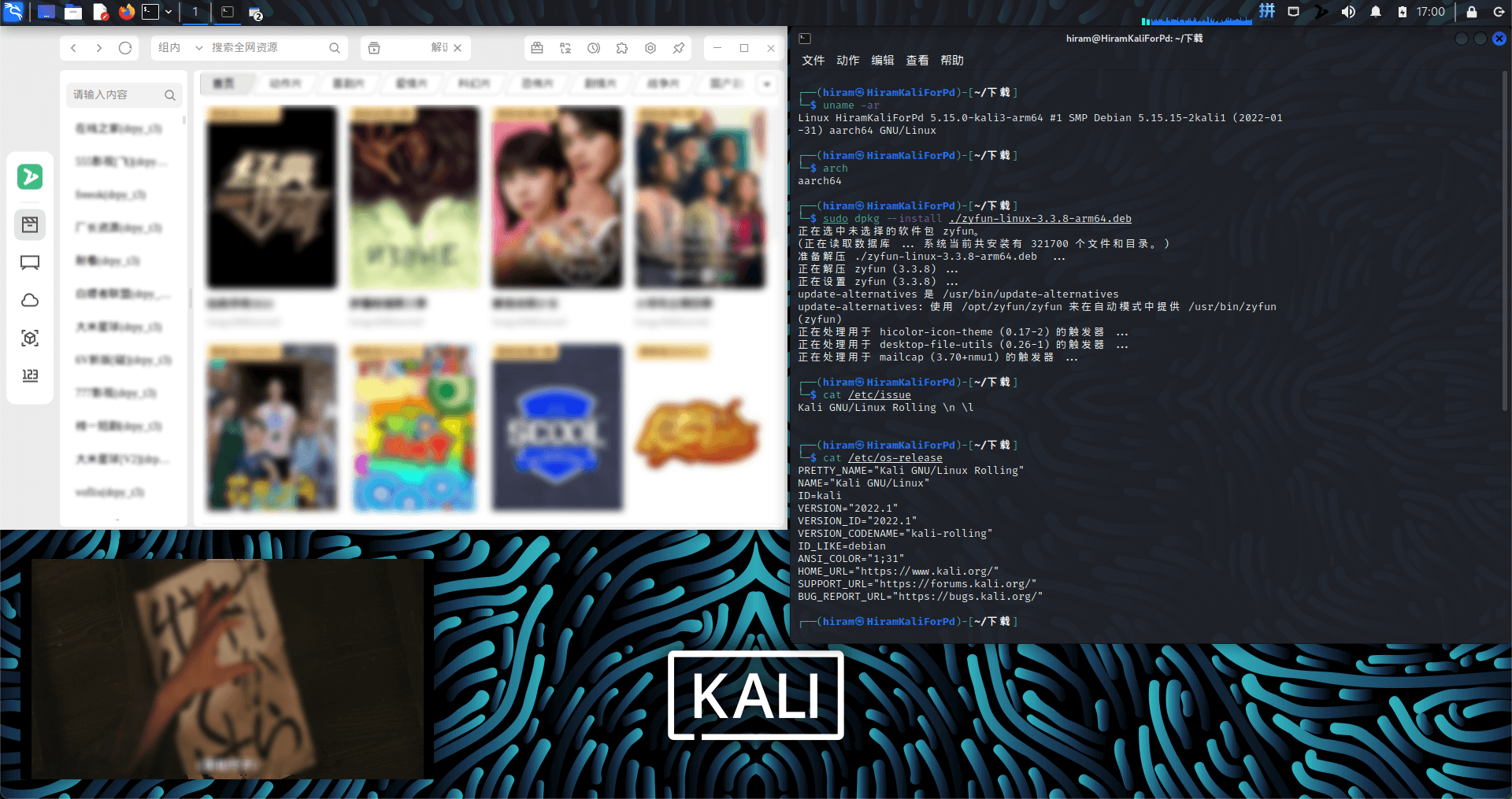 |
| Kylin SP1(2403)[arm] | openEuler-24.03-LTS[arm] |
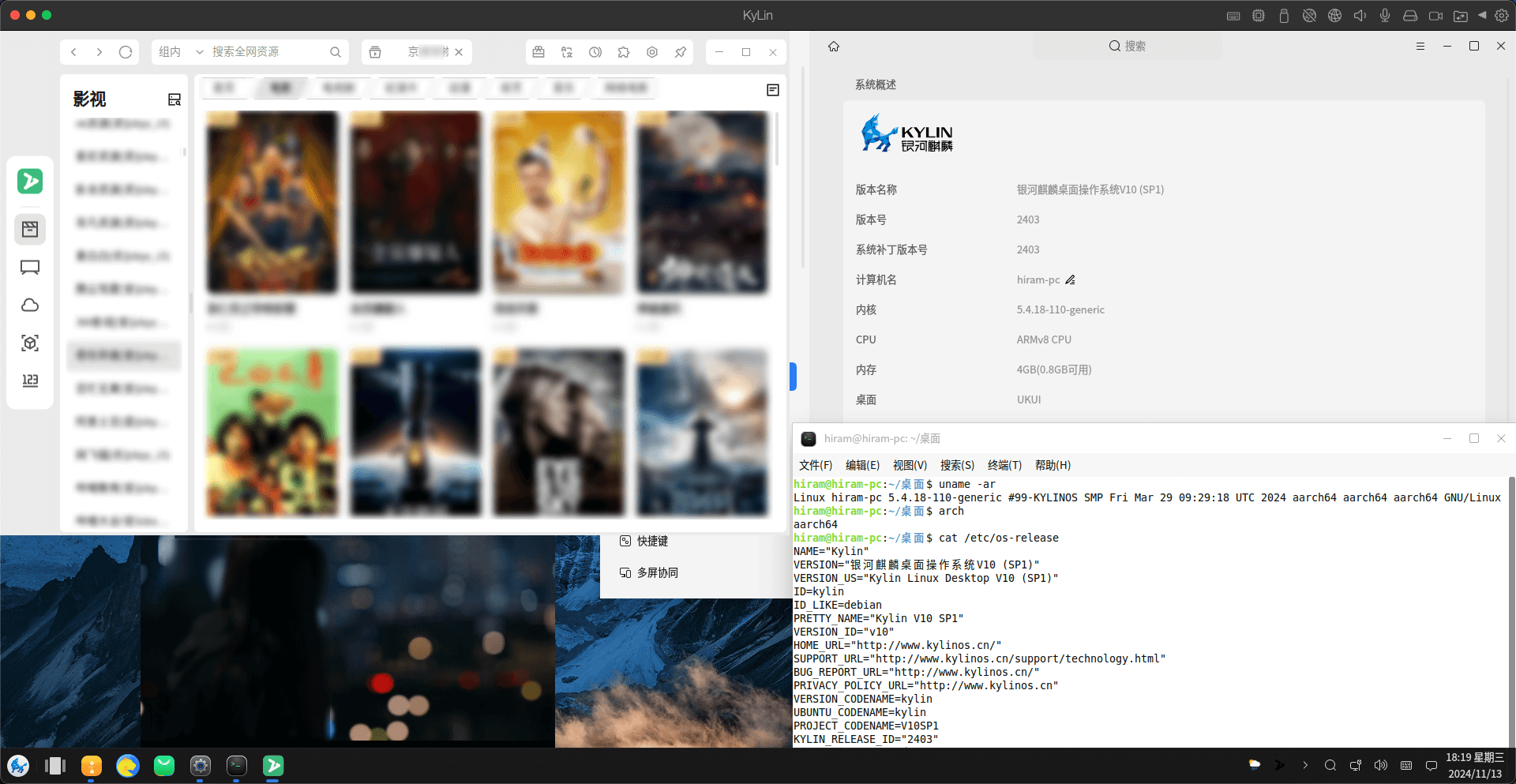 | 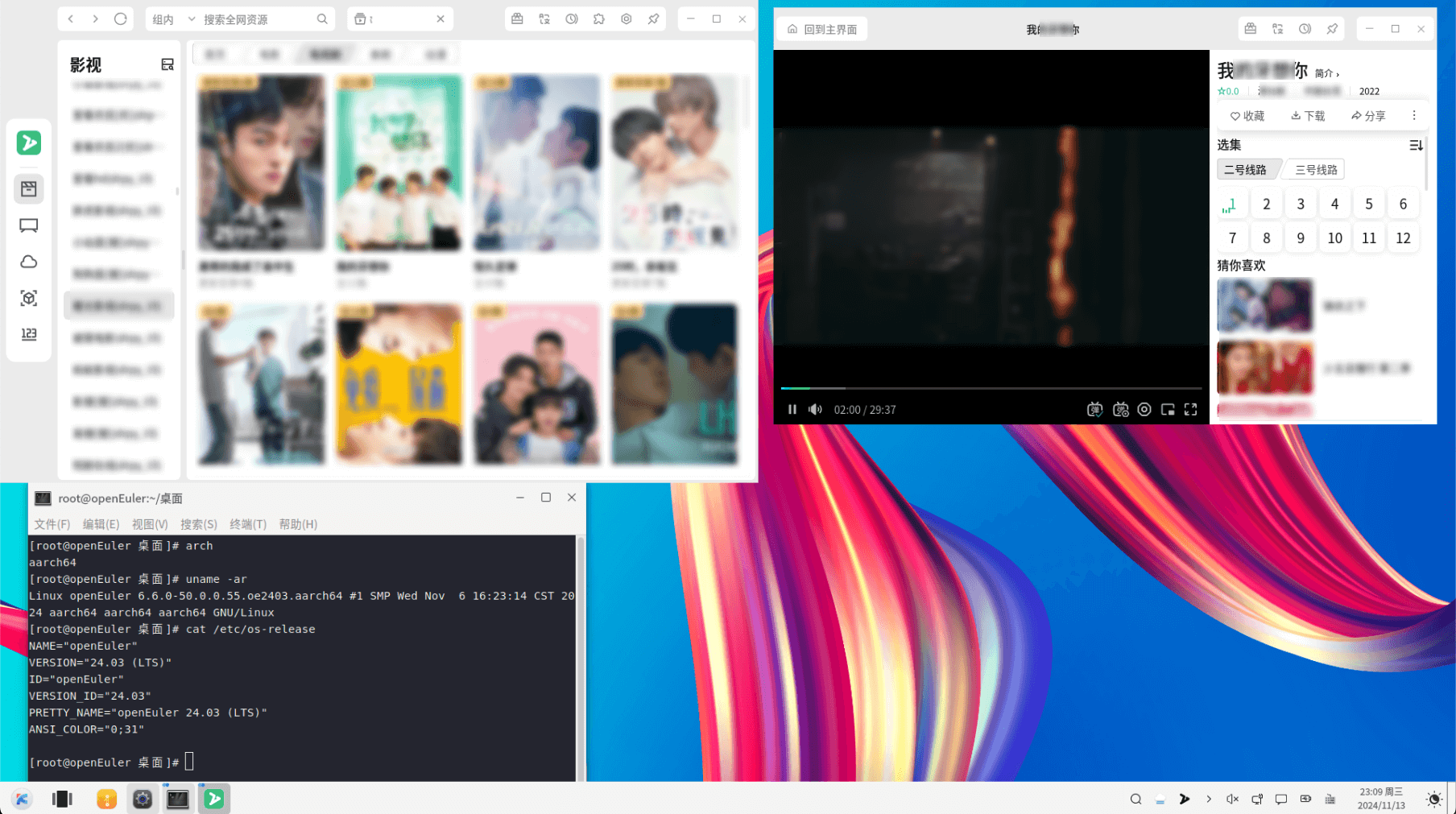 |
| ElementaryOS 8[x86_64] | Mint 22[x86_64] |
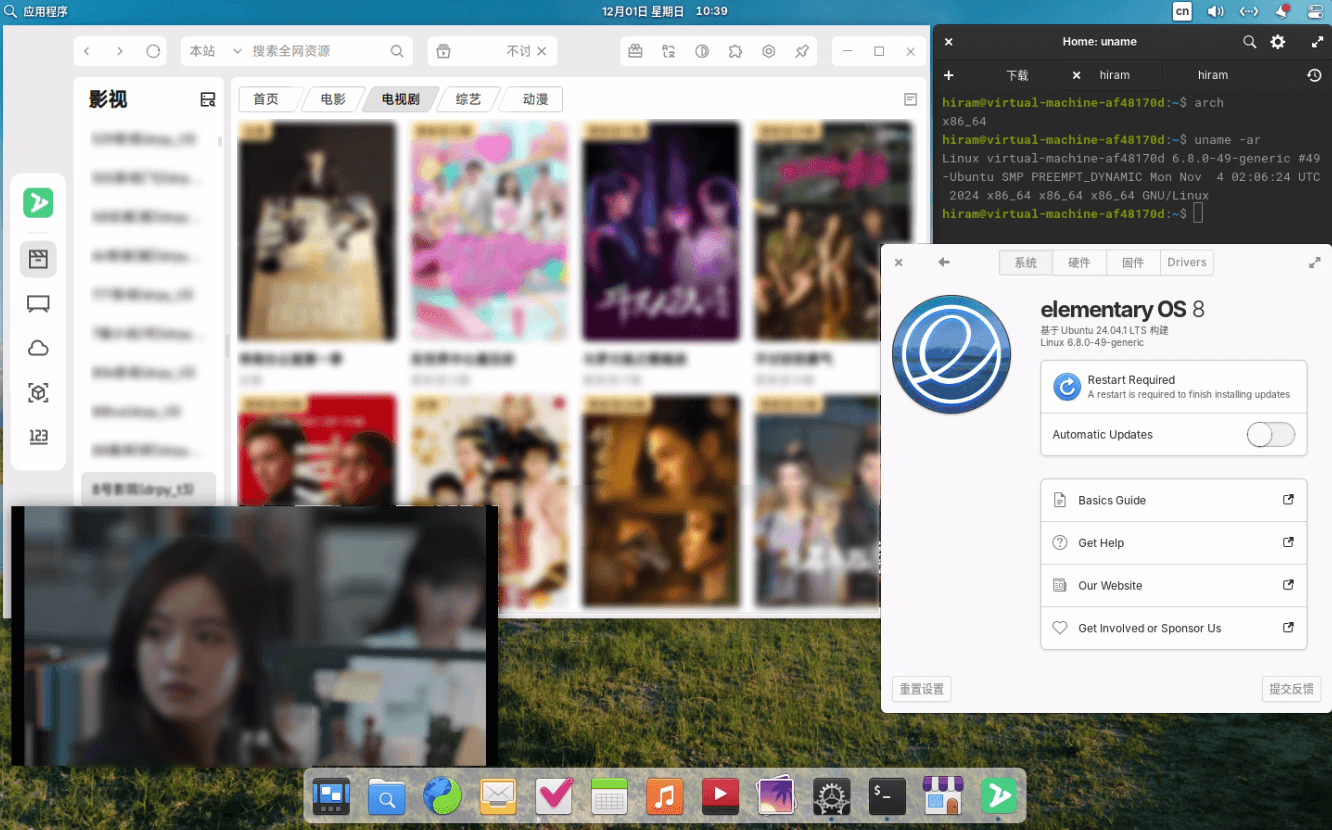 | 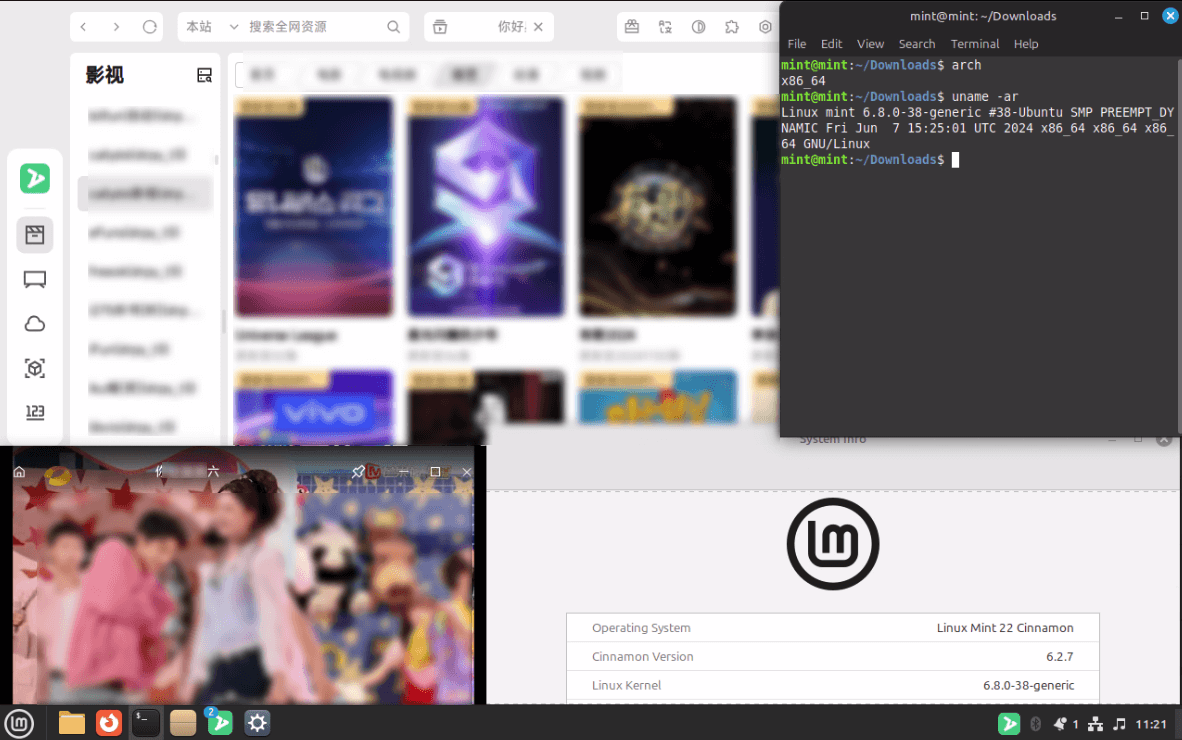 |
| SuperRed 32[x86_64] | FydeOS 19[x86_64] |
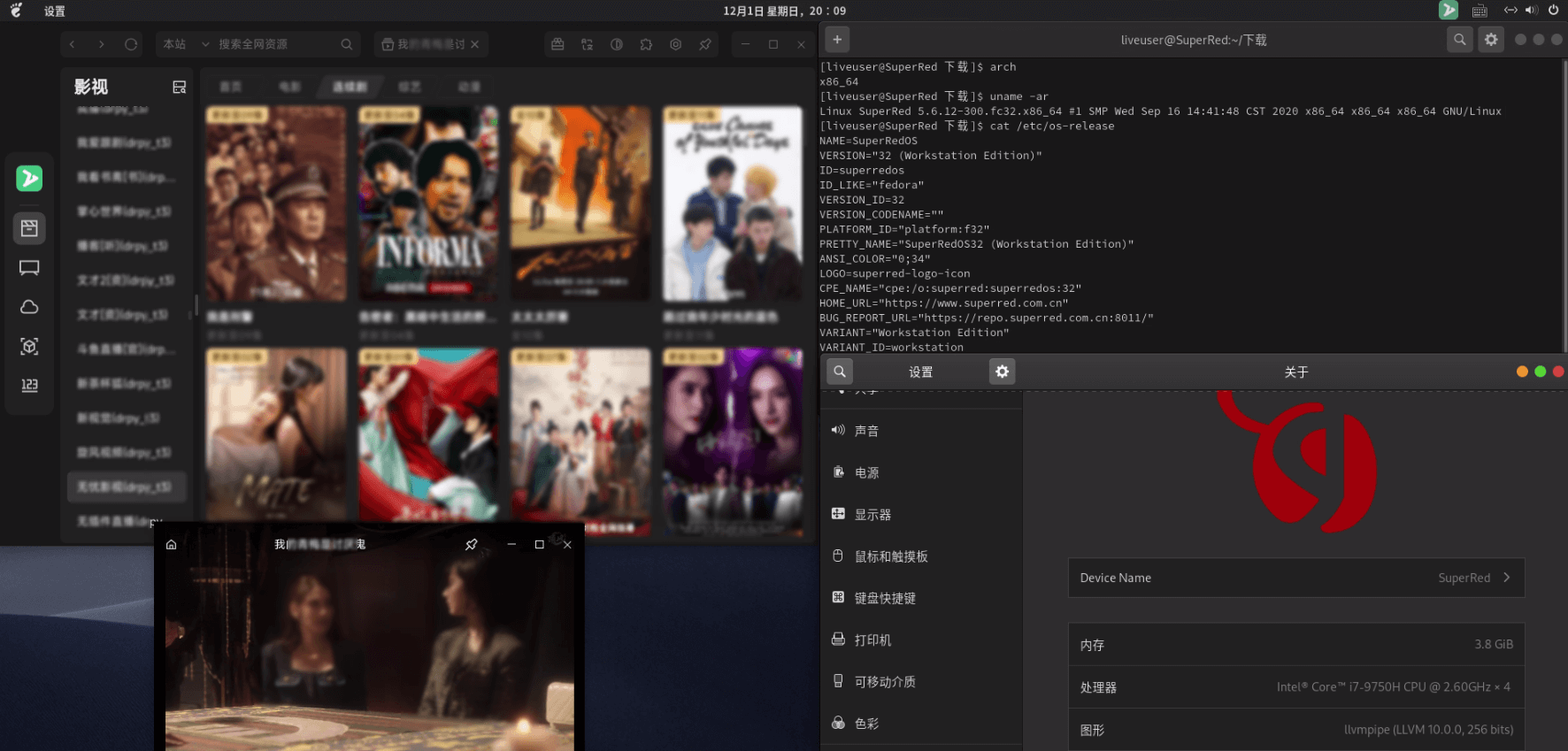 | 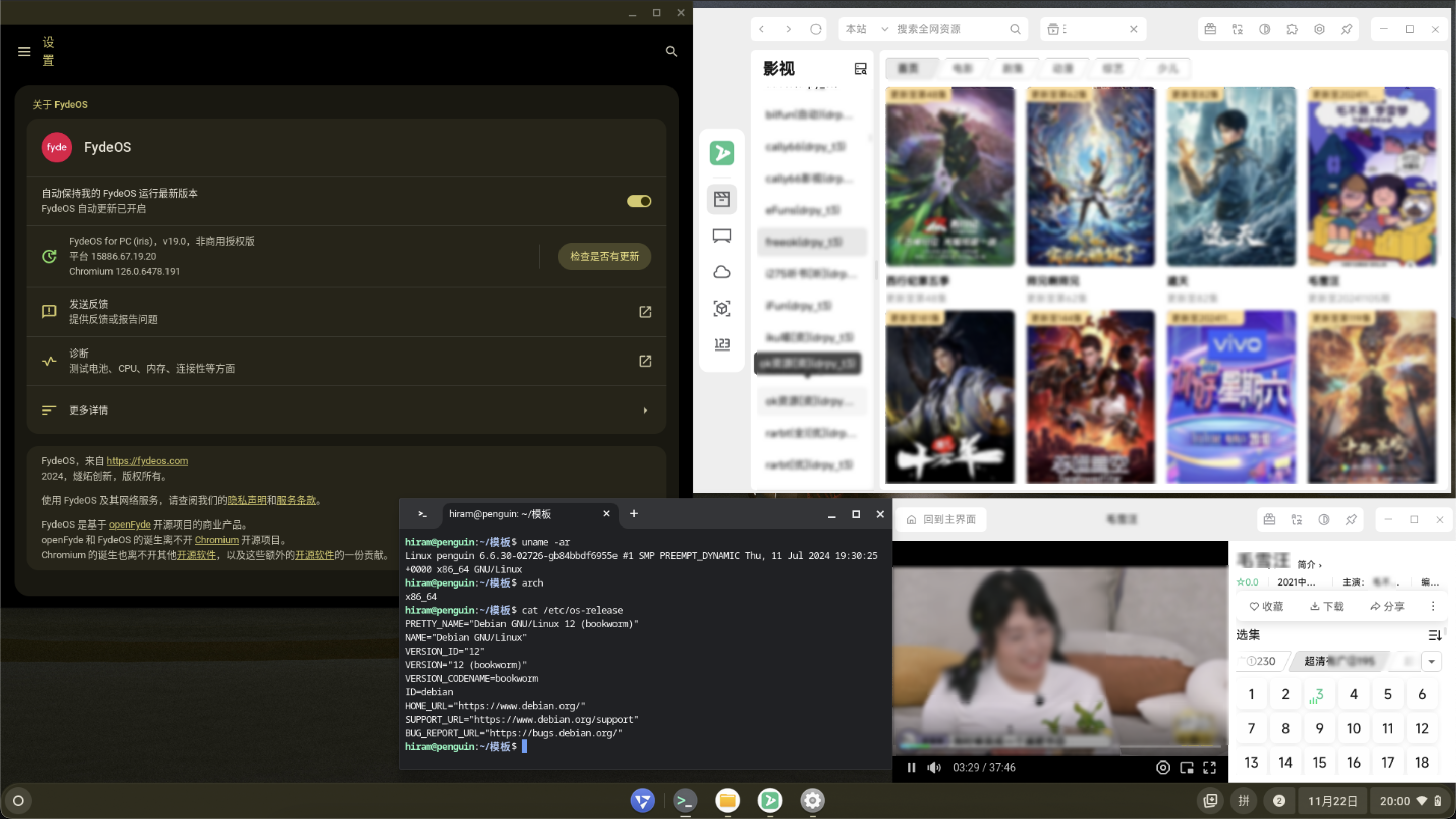 |
开发版下载: 需登录Github账号
最低要求: 和chromium内核要求保持一致
| 操作系统 | x64 | arm64 | loong64 | 发行版 | 开发版 | 最低要求 |
|---|---|---|---|---|---|---|
| Windows | ✅ | ✅ | ➖ | GitHub | GitHub | >= win10 |
| MacOS | ✅ | ✅ | ➖ | GitHub | GitHub | >= macOS12 |
| Linux | ✅ | ✅ | ❌ | GitHub 如意玲珑应用商店 AUR软件包 | GitHub | |
| Harmony | ❌ | ❌ | ➖ |
sudo spctl --master-disable
sudo xattr -cr /Applications/zyfun.appRunning as root without --no-sandbox is not supported
./zyfun.AppImage --no-sandboxdlopen():error loading libfuse.so.2
sudo apt-get install libfuse2Exiting GPU process due to errors during initialization
xhost +Package libnss3-1d is not installed
sudo apt-get install libnss3-1dPackage libxss1 is not installed
sudo apt-get install libxss1Dependency check failed libXScrnSaver is needed
sudo yum install epel-release
sudo yum install libXScrnSaver
Dependency check failed xdg-utils is needed
sudo yum install xdg-utils~/Library/Application Support/zyfun/~/.zy/bin/~/.config/zyfun/~/.zy/bin/%USERPROFILE%\AppData\Roaming\zyfun\%USERPROFILE%\.zy\bin\参考默认路径
将
{custom_path}替换为所需路径;--user-data-dir前面有空格
appname=zyfun
cd "/Applications/$appname.app/Contents/MacOS/"
sudo mv "$appname" $appname.real
sudo printf '#!/bin/bash\ncd "/Applications/%s.app/Contents/MacOS"\n"/Applications/%s.app/Contents/MacOS/%s.real" --user-data-dir="{custom_path}"' "$appname" "$appname" "$appname" > $appname
sudo chmod +x $appname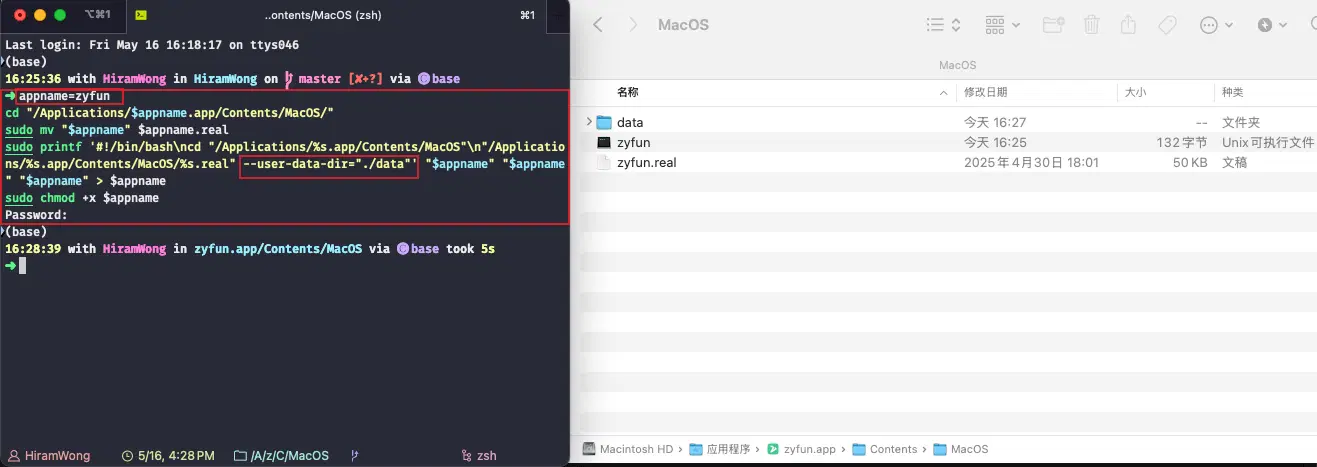
./zyfun.AppImage --user-data-dir={custom_path}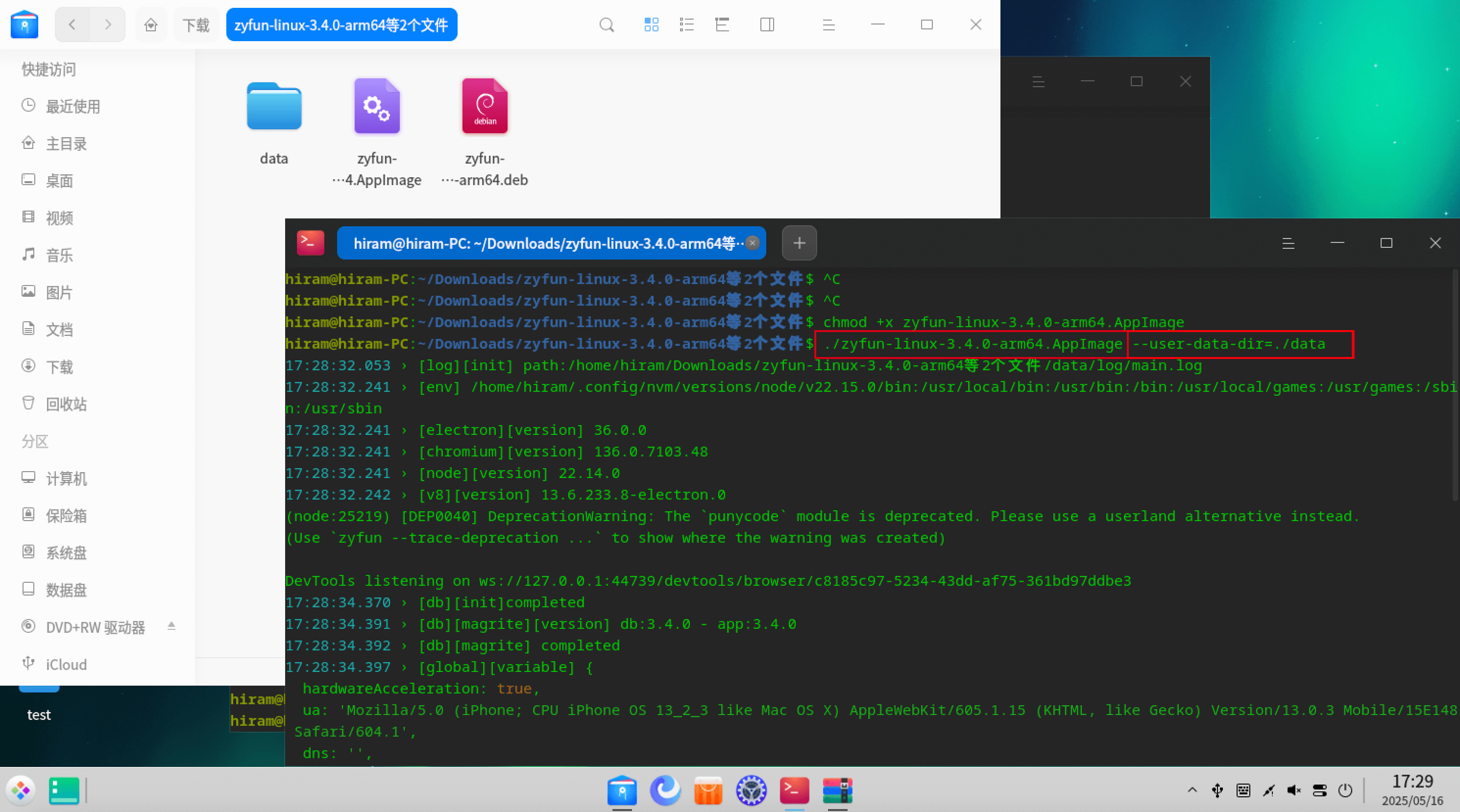
暂未找到方案
右键属性->目标->末尾添加 --user-data-dir="{custom_path}"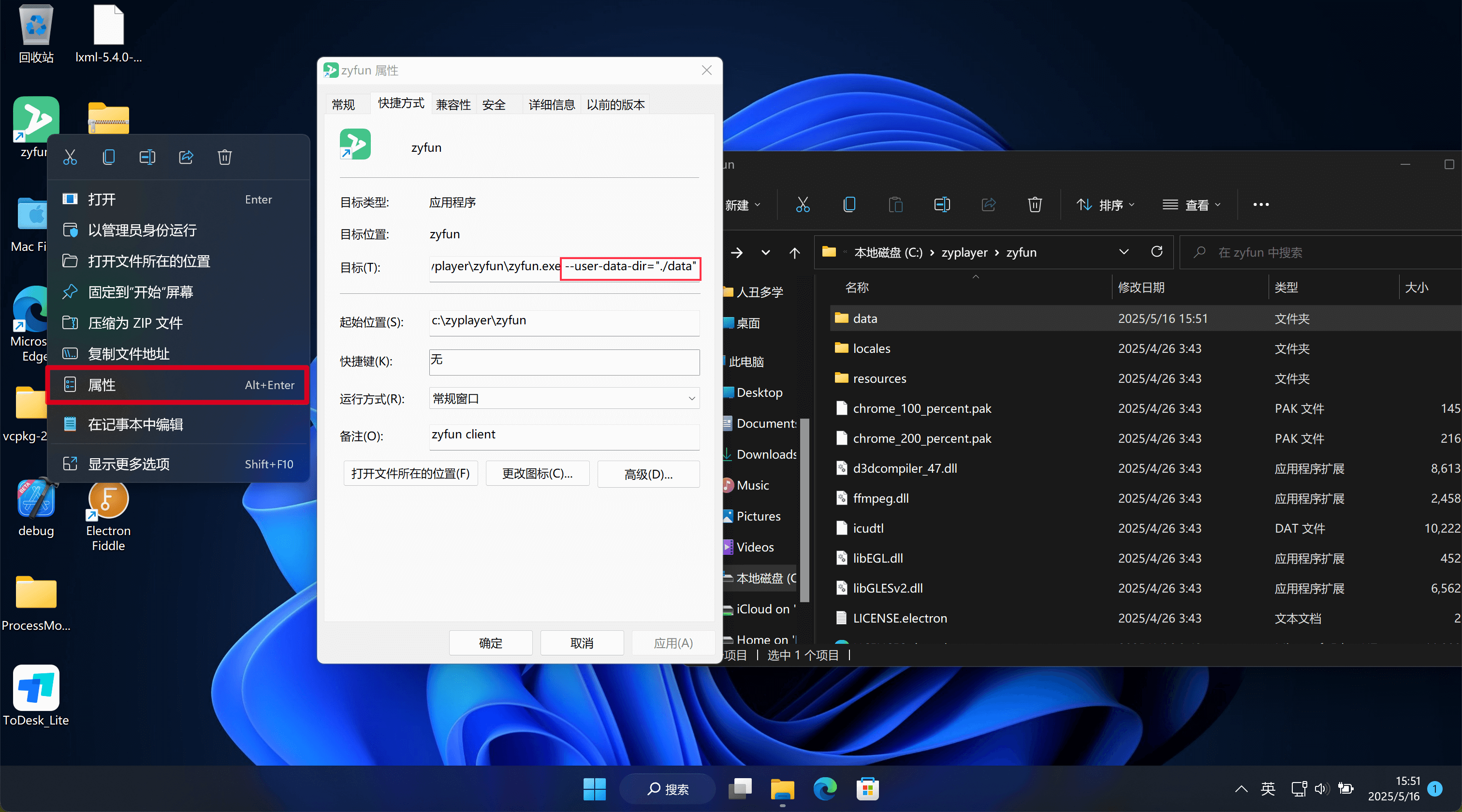
ZY-Player由@Hunlongyu首发 xmlZyPlayer由@Hiram-Wong二开 @fourbeauty设计贡献[t0]xml [t1]json 由@Hiram-Wong提供技术支持[t3]drpy t4[drpyS] [t3]py 由@hjdhnx提供技术支持[t3]csp_xbpq [t3]csp_xyq [t3]csp_appysv2 由@LoyDgIk @α提供技术支持[t4]catvod [t3]catopen 由@catvod提供技术支持xgplayer artplayer oplayernplayerdplayer<=3.3.7 所有功能基于前端(含webworker), 数据为json文件>3.3.7 & <=3.4.1 前后端分离(含fork线程), 数据为pglite数据库>3.4.1 数据为sqlite